Transform photos into vintage styles from the 70s, 80s, 90s, or 2000s. Adjust hairstyles, clothing, and overall photo style to match the chosen era. Upload images, select a decade, and apply era-specific filters. Share edited photos with others.
by WHATSGOODAPPS LLC★ 5.01 ratingsPhoto & VideoFreeData updated 2026-09-06
Decorate photos with customizable and effects. Select images from the gallery or capture new ones. Adjust position, size, and angle. Save, share, or upload edited photos to social media platforms.
Edit photos with AI-powered tools for skin smoothing, sculpting, and makeup application. Adjust lips, eyebrows, and hair color with precision. Apply filters and simulate beauty enhancements. Share edited images directly.
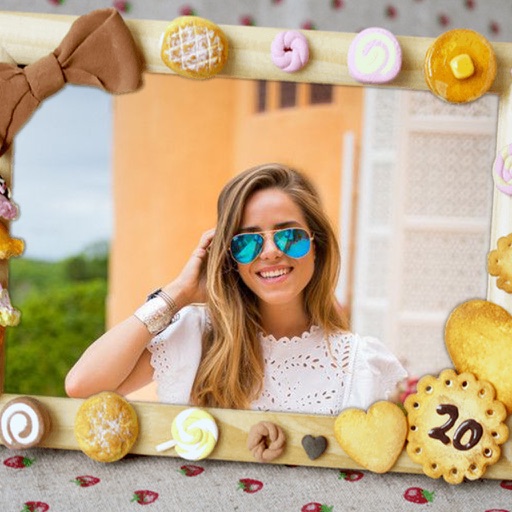
Edit photos by applying multiple effects and choosing from various stylish frames. Adjust image position, size, and angle finger gestures. Save and share modified photos directly.
Split photos into vertical stacks for X (Twitter) or create swipeable carousels for Instagram. Arrange images in 3x1, 3x2, or 3x3 grids. Export high-quality versions for social platforms.
Decorate photos with customizable and effects. Choose images from the gallery or capture new ones. Adjust position, size, and angle. Save, share, or upload edited photos to social media platforms.
The app provides a quick and easy way to edit photos on the go. Users can make photos with the camera or select existing images, apply notable effects, and share them on social networks.
Edit photos with color filters, brightness, and contrast adjustments. Add stickers and text. Apply film-inspired presets and advanced camera controls. Export edited images in multiple formats.
The app allows users to share photos that self-destruct after 10 seconds or save them to a device's photo library. It includes various filters and tools to alter photo appearance.
Edit photos with effects, spirals, art, and beauty filters. Add background arts and adjust brightness. Export edited images in various formats and share directly.
Decorate photos with themed featuring traditional patterns and festival symbols. Apply filters and adjust brightness. Share edited images on social media or via messaging apps.
Edit photos by selecting from the gallery or capturing new ones. Apply various and effects. Adjust position, size, and angle. Save edited images and share via social media, email, or messaging apps.
Edit photos by selecting from the gallery or capturing new ones. Apply various and effects. Adjust position, size, and angle. Save edited images and share via social media, email, or messaging apps.
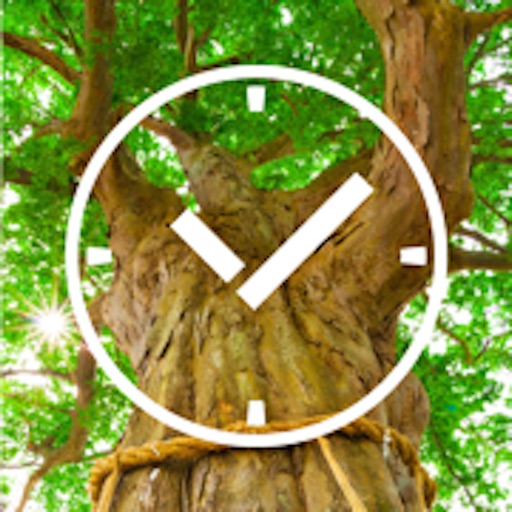
The app presents a photo album of Japanese nature, featuring 40 images categorized by season. It also functions as a calendar and a 24-hour clock, supporting both portrait and landscape orientations.