Transform photos into vintage styles from the 70s, 80s, 90s, or 2000s. Adjust hairstyles, clothing, and overall photo style to match the chosen era. Upload images, select a decade, and apply era-specific filters. Share edited photos with others.
by WHATSGOODAPPS LLC★ 5.01 ratingsPhoto & VideoFreeData updated 2026-09-06
Edit photos with filters, cropping, and brightness adjustments. Create collages using customizable templates. Add stickers, text, and drawings. Design storybooks with pages and layouts. Share edited content directly to social media.
The app allows users to post photos to Instagram without cropping. It functions as a photo collage maker with numerous layouts and editing tools for sharing moments.
Edit photos with frames, stickers, and creative collages. Apply effects like glass, hand, and board. Adjust brightness, contrast, and saturation. Share edited photos directly.
Edit photos with AI-powered cartoonization, face swap, and HD wallpaper generation. Apply filters and adjust colors. Save and share edited images directly.
Edit photos with filters, cropping, and adjustment tools. Create collages using templates, grids, and layouts. Add text, stickers, and . Share edited photos directly.
Capture photos with 14 free professional filters and 31 additional filters available for purchase. Apply filters in real-time during live camera use. Save and share edited photos directly.
The app transforms digital photos with toy camera effects, cross-processing, light leaks, and film grain for an authentic analog-style look. It includes a POLYGON GIF feature.
Edit photos with AI filters, portrait generation, and stylized effects. Adjust brightness, contrast, and saturation. Apply cinematic filters and retouch skin tones. Save and share edited images directly.
Apply vintage filters to photos and videos. Use multiple styles with customizable backgrounds. Access Polaroid-style frames to enhance images. Support front and back cameras with flash functionality.
Edit photos with AI-powered skin smoothing, makeup application, and filters. Adjust brightness, contrast, and saturation. Apply virtual makeup and try different styles. Export edited images in various formats and share directly.
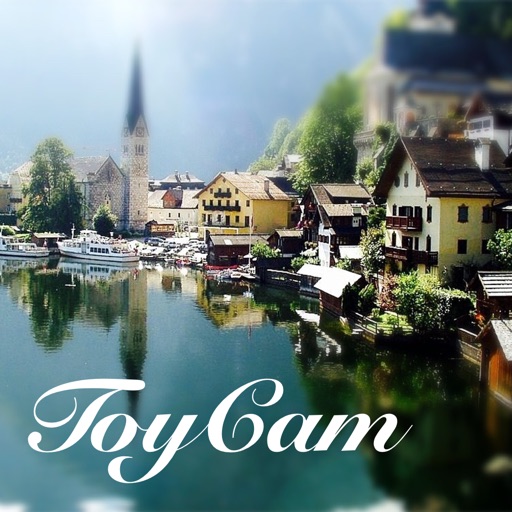
The app transforms scenery photos into pictures of toys using tilt shift photography. Users can select filters and adjust intensity by swiping or using arrow keys.
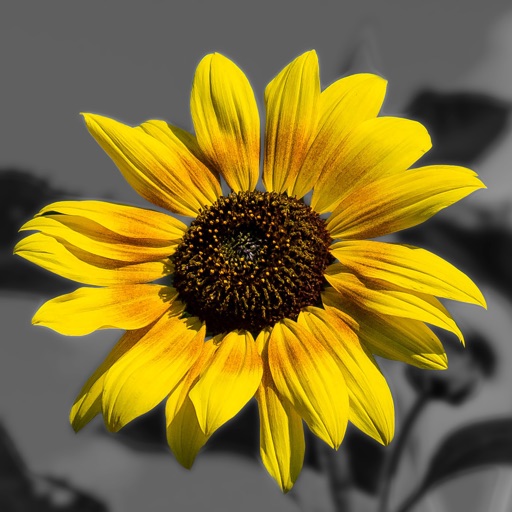
Edit photos by converting them to and and selectively adding with brush tools. Choose from various brush sizes and styles. Apply filters for creative effects. Undo changes with a single tap.
The app transforms an iPad into a vintage camera, applying original and striking retro effects to photos. Users can import images or take new ones with configurable flash and camera options, then enhance them with unique filters.