Transform photos into vintage styles from the 70s, 80s, 90s, or 2000s. Adjust hairstyles, clothing, and overall photo style to match the chosen era. Upload images, select a decade, and apply era-specific filters. Share edited photos with others.
by WHATSGOODAPPS LLC★ 5.01 ratingsPhoto & VideoFreeData updated 2026-09-06
Create art using AI by inputting text, photos, or both. Select a style to generate artwork. Apply anime effects to transform images into realistic anime-style pictures. Adjust and export the final artwork.
Take photos with using online filters for , scenery, food, and travel. Edit images with numerous stickers and auto-enhancement tools. Export and share edited photos directly.
Convert negatives to digital photos with high resolution. Edit images with advanced tools including filters, cropping, and adjustments. Save and share edited photos in multiple formats.
Transform photos into -style artwork using AI. Select an image from the camera roll. Apply filters via AI processing. Save the result and share it directly.
The app provides 1-tap photo perfection for every shot. Users can select from 9 moods to capture the feeling of a moment and share photos on selected services.
Edit PDFs and by adding text, logos, , or QR codes. Render PDF pages as images. Prevent text copying with watermarks. Adjust position, size, and rotation. Customize text with font, color, and opacity.
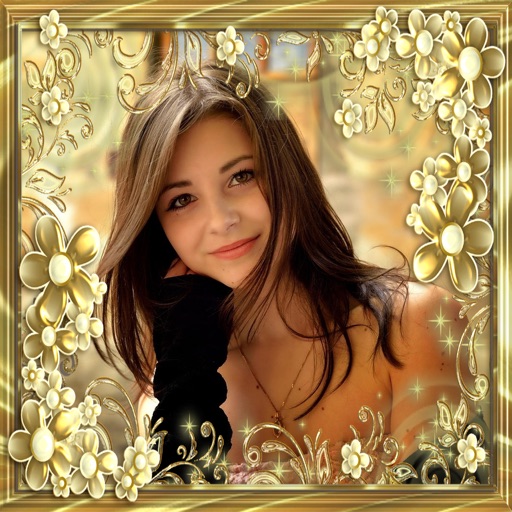
Add to images with various design options. Edit and enhance photos with built-in filters. Share edited photos directly to social media or messaging apps. Save and organize framed photos in a gallery.
Edit photos with , , and AI cutout tools. Apply neon, glitch, and overlay . Add doodles, artistic text, and fun stickers. Share edited photos directly to Instagram, WhatsApp, Facebook, and Messenger.
Apply effects to photos and videos by inverting colors. Adjust brightness and contrast. Save edited media to gallery. Share directly from . Draw on images to customize effects.