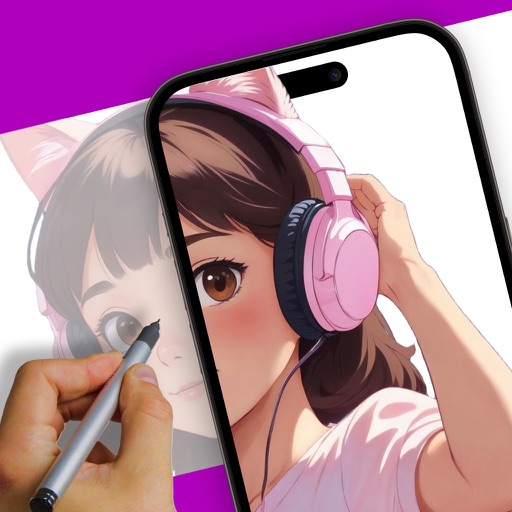
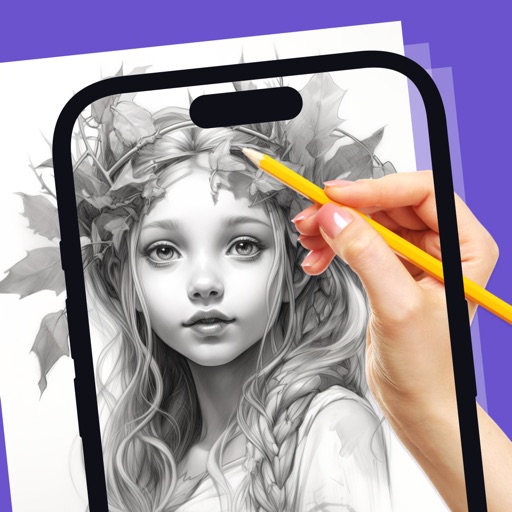
Create sketches and drawings using built-in brushes and canvases. Trace real-world images with AR technology. Save and share artwork directly. Adjust brush size and opacity for detailed work. Import images to base drawings on.
Learn to draw with step-by-step tutorials covering animals, cartoons, and flowers. Practice by tracing images or sketching freely. Save and share completed artwork.
Create 3D scenes with multiple characters or simple shapes to visualize sketch outlines. Generate storyboards via screenshots or frame comic book illustrations. Adjust light and perspective for anatomically accurate figures.
Take notes, sketch, and plan in a single with realistic ink and paper. Create custom tools and choose from colored paper types. Collaborate on documents and sync notes across devices. Write and draw with infinite width pages.
Create art with 10 brushes. Adjust brush size and color randomly. Import photos to doodle on. Add drawings to family images for customization. Save and share completed artwork.
Explore styles including tribal, skulls, fonts, flowers, henna, minimalist, and wolves. Select designs from list view or search. Create custom tattoos by adding elements and adjusting placement. Save and share finished designs.
Create digital artwork with drawing tools, brushes, and materials. Use filters, screentones, and blending modes. Import images and vector graphics. Save and share drawings. Access additional features with an in- purchase.
Create drawings using AR tools, trace real-world objects in real-time, and convert photos into sketches. Access a library of templates for design projects. Share artwork directly from the .
Draw and with customizable brushes and layers. Edit images with adjustment tools and filters. Import and export files in various formats. Use gesture controls for quick navigation and editing.
Create expressive sketches, rich paintings, and detailed illustrations. Use hundreds of handmade brushes and an advanced layer system. Animate with the Valkyrie graphics engine. Edit and export artwork in multiple formats.
Allows users to create artwork on any surface by projecting templates onto real-world surfaces via camera. Users can outline projected images in real life and watch their sketches materialize.
And with tracing guides and step-by-step tutorials. Choose from various fonts and styles. Trace letters, letters, and symbols. Access inspirational quotes and decorative elements. Use a high-tech tracing projector for guidance.
The app allows users to draw anything using a grid. Users can select any area of an image, choose different grid types, and adjust grid size, color, and thickness.
Create animations using a drawing interface with tools for sketching and refining artwork. Import images or draw frames manually. Export animations as GIFs or videos. Share creations directly from the .