Create viral-worthy content with AI-powered editing tools. Automatically enhance photos and videos with AI Magic. Add text, stickers, and filters. Share directly to social media. Collaborate with others using a shared library.
Upload photos or take new images to create animated videos. Select music from the 's library. Use AI to generate dancing and singing videos. Edit and share the final output.
Restore old, blurry, or damaged photos using AI-based enhancement. Adjust clarity, brightness, and color. Remove blemishes and red eye. Resize and export in various formats. Apply filters and effects. Share restored images directly.
Upload photos to visualize color changes and mock-ups on furniture, rooms, and cars. Apply finishes and products instantly. Export images or video time-lapses of transformations. Create before-and-after visuals for home decor, vehicles, and more.
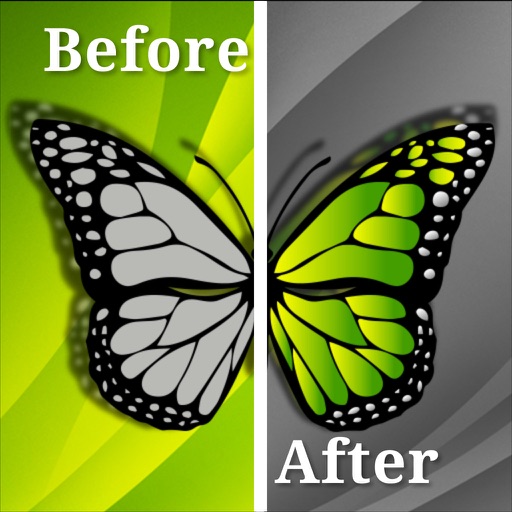
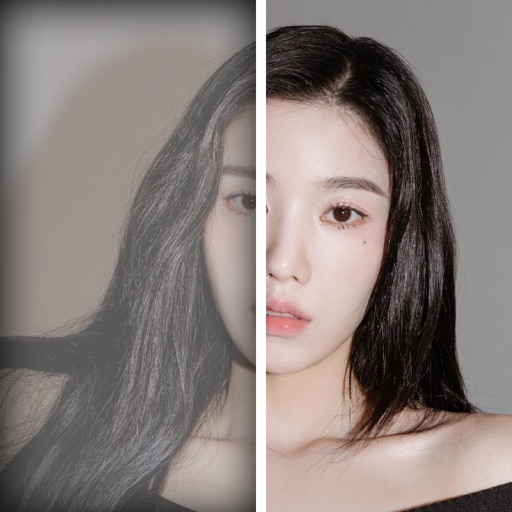
Create split-image comparisons by importing existing photos. Arrange images side by side for visual contrasts. Blend photos to form artistic compositions. Track changes in landmarks, plants, fitness progress, and home renovations over time.
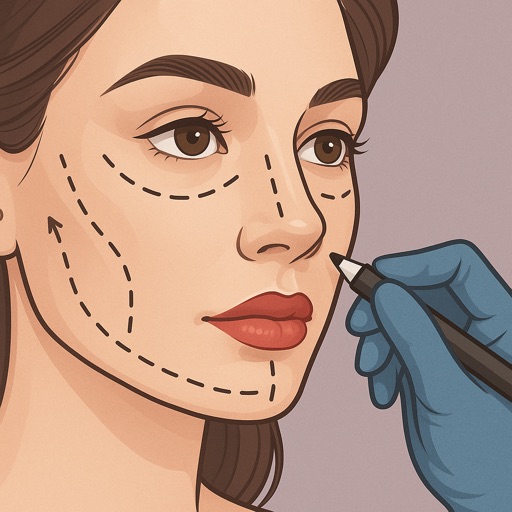
Preview fillers, Botox, rhinoplasty, facelifts, and jawline contouring using AI-generated images. Adjust details like shape and volume. Save and share results. Compare before-and-after views.
Capture high-resolution close-up photos of your eye without a special . Use AI to identify the iris and remove blur, reflections, and noise. View detailed textures and true colors of your eye. Share the resulting image directly.
Share clips with athletes via text or file upload. Add voice-over feedback and annotations. Send group or individual messages. Schedule and manage coaching sessions. Track athlete progress through shared videos. Export and share feedback directly.
Instagram content without watermarks. Access profiles and stories. Copy share URLs from posts. to your feed or for later. Share reposted content to other platforms.
Together vertically or horizontally. Combine chats, web pages, or side-by-side images into one image. Redact private information before sharing. Save and share the combined image directly.
Create and send photo reports with Before & After comparisons for projects. Add captions, tags, and location data. Customize templates, export in various formats, and share directly via email or cloud services.
Add timestamps, dates, and captions to photos and videos. Include custom logos as watermarks. Organize and share media with editing tools. Verify media accuracy with added metadata.
Remove backgrounds from photos using the magic tool. Manually crop or restore parts of an image. Create stickers and edit outlines for YouTube thumbnails. Export high-quality PNGs without watermarks.
The app extracts colors from photos or camera snapshots to create palettes. It displays colors in HEX, RGB, HSL, and HSB, and allows users to copy codes or export palettes in various file formats for design projects.