Record and audio for voice or instruments. Create song sections like verse, bridge, and chorus. Switch between sections in real time. Import audio files and use drag-and-drop. Apply effects and overdub tracks. Supports iPad and iPhone.
The app provides over 1,200 samples, 50 editable programs, and 80 editable sequences. It allows users to record samples using the iPad's microphone, line input, or a multi-touch turntable interface.
Play using realistic acoustic and electronic sounds. Choose from 8 acoustic models and 5 E- legends. Adjust keyboard sensitivity and touch response. Save and share performances. Sync with MIDI devices.
The app offers real-time audio manipulation with eight effects and immediate control over key parameters. It provides a player, recorder, and full MIDI support for extensive sound creation.
The app is a matrix-controlled arpeggiator that allows users to play arpeggios with their thumbs. It offers control over pitchbend, tremolo, and vibrato using the iPad's accelerometer.
Record and mix audio tracks with multi-channel routing, effects, and automation. Edit MIDI sequences, arrange loops, and export high-quality audio files. Support for VST plugins and external hardware integration.
Turn your iPhone or iPod Touch into a musical instrument. Select chords and strum strings with fingers to create arpeggiated sounds. Edit and share songs, use MIDI support, and transpose notes with in- purchase.
Stream audio, MIDI, and OSC data through a USB connection to integrate iOS into music production. Control apps with MIDI controllers or send OSC messages to compatible software. Sync multiple iOS devices using Ableton Link for seamless collaboration.
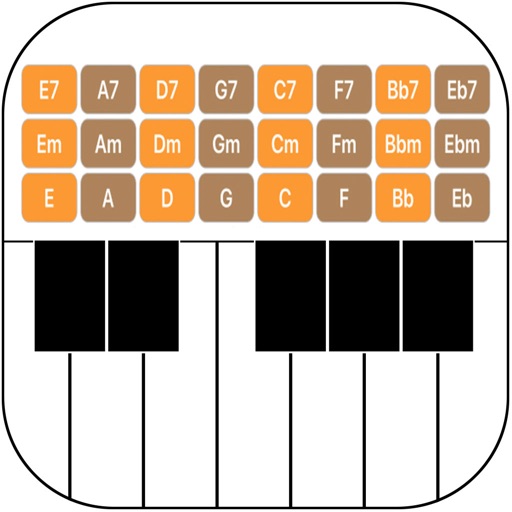
Create and play music with chord circles and strum keys. Switch between major and minor keys. Play scales and set auto-accompany with drums, bass, and arpeggiators. Record performances and share them.