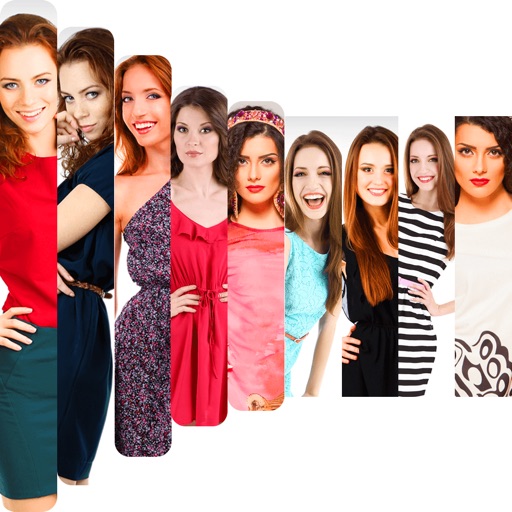
Create collages by adding photos from the library or camera. Choose from multiple frames like heart, round, and star. Adjust photos by moving, pinching, and rotating. Select different backgrounds or use a photo as the background.
Apply creative filters to layers including blend, mask, pointillize, frame, distort, and more. Stack and save filter templates. Add motion with transition and create videos using built-in tools.
Create photo albums and take photos using simple steps. Use photo frames for consistent images. Generate timelapse videos and share them with loved ones. Receive daily reminders to capture new photos.
The app organizes photos into frames using 16 templates. Users can edit and stylize frames, and place multiple photos within a single frame before sharing.