Control and manage music playback and lighting cues with waveform editing and OSC trigger support. Add and adjust cue markers, set custom labels and colors, and run shows using a 3×3 grid of Quick Cues.
by Mark Neisser★ 0.00 ratingsUtilitiesFreeData updated 2026-09-06
Control Yamaha CL, QL, or TF series mixers via OSC over a network. Adjust faders, channels, and sends in real time. Recall snapshots quickly. Monitor input levels and metering. Adjust EQ settings and routing parameters.
The app provides control for Apogee audio interfaces. It allows users to adjust features and settings through five tabs and offers a hardware-based mixer to reduce recording latency.
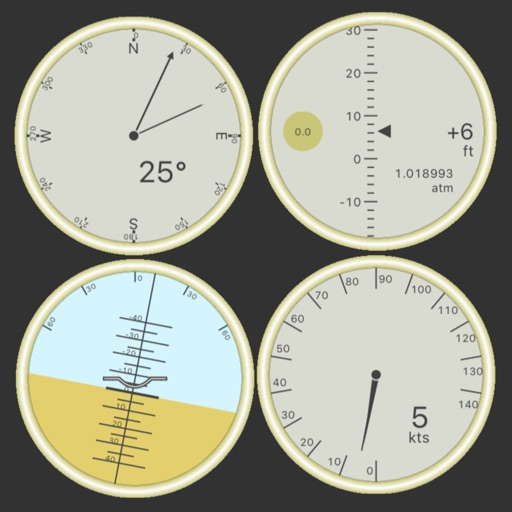
Customize dashboards with configurable gauges like speedometer, odometer, GPS altimeter, barometric altimeter, accelerometer, artificial horizon, compass, and elapsed time. Swipe to switch views and access real-time sensor data from iPhone or iPad.
Create and manage lists of timers called "Cues" to track time for routine steps. Automatically start the next when one ends. Set timers for fitness exercises and breaks, productivity sessions with Pomodoro loops, or other timed tasks.
Sends modulation control data to music apps and synthesizers. It features four independent LFOs with seven-bit CC messages. Users can adjust waveform shapes and modulate amplitude and rate between LFOs.
Control audio-visual performances and interactive exhibits using mobile devices. Send commands via touch gestures or voice. Adjust parameters in real-time. Sync with external hardware and software systems. Share control inputs with multiple users.
Record and audio for voice or instruments. Create song sections like verse, bridge, and chorus. Switch between sections in real time. Import audio files and use drag-and-drop. Apply effects and overdub tracks. Supports iPad and iPhone.
Receive remote assistance for equipment, machinery, and infrastructure issues. Share real-time camera view with experts. Annotate with 3D markers on real-world objects. Create and share video tutorials for training.
Control lighting systems with Eos family software 2.6 or higher. Program and playback scenes, adjust parameters, and manage fixtures. Navigate through tabs to switch between functions. Export settings and view system status.
Control Pro 8 transport and mix console. Access commands page for factory and user presets. Adjust levels, automate parameters, and navigate sessions. Sync with PreSonus One on Mac and Windows.