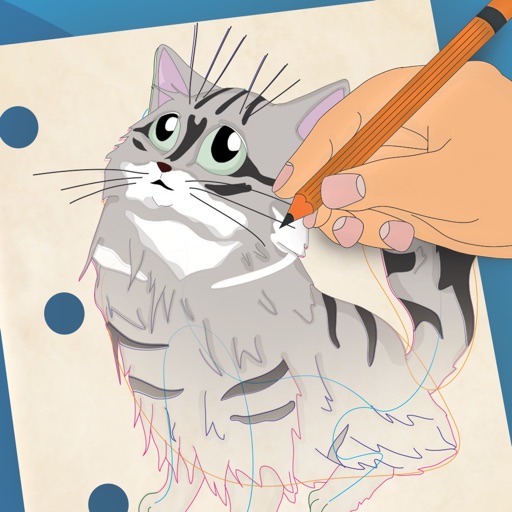
Allows users to create drawings using realistic strokes. Users can choose colors, adjust brush sizes, and apply effects. Artwork can be saved, shared, or exported. The interface supports freehand drawing and coloring activities.
For offers interactive learning through playful activities. Hatch and care for dinosaurs, feed them, and help them sleep. Color pictures to animate them. Solve puzzles and matching . Sort objects by shape and color.
Use phone camera to project anime-style templates onto paper or surfaces. Trace outlines to create art. Adjust lines and colors. Export drawings in various formats. Sync with digital tools for further editing.
Create drawings step by step using pre-designed templates on various themes. Select and customize colors, add text, and save or share completed artwork. Access tutorials and instructional guides to drawing techniques.
Convert photos into artistic styles like cartoons, watercolors, and pencil sketches using AI. Apply filters and adjust details. Save and share edited images directly.
Learn drawing through step-by-step tutorials. Create and customize designs. Save and share artwork. Access drawing lessons for beginners and advanced users. Track progress and practice sketching techniques.