The app presents a 2D puzzle game inspired by magic cube mechanics. Players shift rows and columns to light all grid positions, progressing through 200 levels with increasing difficulty and retro neon aesthetics.
Control your robot using on-screen joysticks and voice commands. Program movement sequences to navigate obstacles. View real-time feedback and adjust settings for robot performance.
The app presents adorable shapes and vibrant colors for children to sort into 3D cubes. Kids are rewarded with designs, sounds, and English language descriptions as they learn.
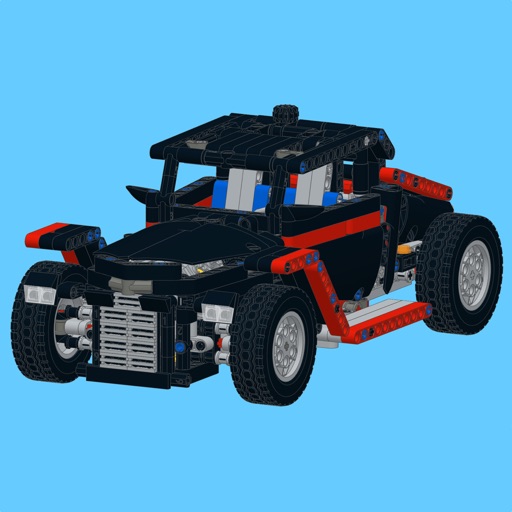
The app provides building instructions for a retro car model using the LEGO Technic 9395 set. It features large step-by-step pictures, a parts list, and a button to highlight new parts.
Control compatible robots via iPhone or iPad. Load projects from ARC PC saved in the Cloud. Use RoboScratch and Blockly for visual programming. Access robot functions remotely. View real-time sensor data and robot status.
The app offers four grid types and power-ups to find words by connecting cubes. Users can learn new words and check meanings in an integrated dictionary, comparing skills on a detailed leaderboard.
The app allows users to write algorithms for a floor robot. Users can program step-by-step or with drag-and-drop functionality, including repeats and 45-degree turns.
The app teaches addition strategies and fact fluency through an engaging game. Children help characters restore a city by solving addition problems, practicing strategies, and memorizing facts.
The app allows motion editing and download for educational robots. Users can generate, edit, and download motion files using a virtual 3D robot or by connecting to a robot controller via Bluetooth.