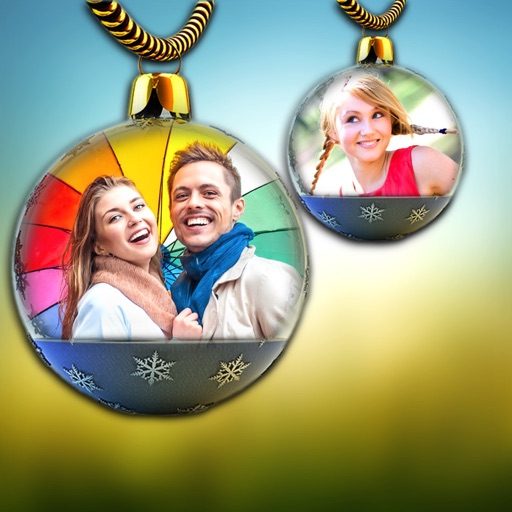
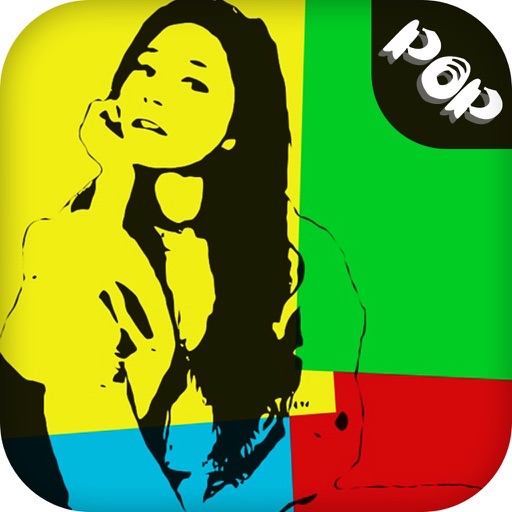
The app offers tools to enhance photos with various effects like Hi-Def, Scenery, and Portrait. Users can stylize images with filters, stickers, frames, and overlays, and touch up selfies with blemish removal and teeth whitening.
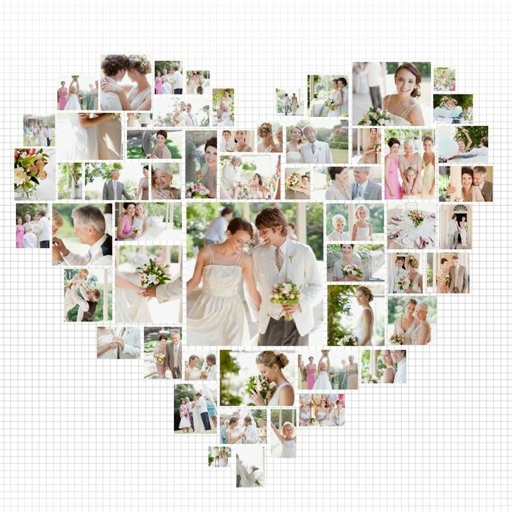
Create collages by combining multiple photos using drag-and-drop layout tools. Edit individual images with cropping, filters, and brightness adjustments. Add text, stickers, and frames to enhance visuals.
Create collages using photos and apply visual effects. Customize artwork and layouts. Share creations on social media platforms like Instagram, Facebook, and Twitter. Edit photos with filters and adjustments. Add text and stickers to images.
Edit photos with 200 unique filters and effects. Adjust brightness, contrast, and saturation. Add text, stickers, and borders. Crop and rotate images. Export in multiple formats and share directly.
Create carousels and photo collages using AI tools and templates. Arrange images with drag-and-drop editing. Auto-align photos for seamless layouts. Apply aesthetic presets and customize designs. Export and share finished collages directly.
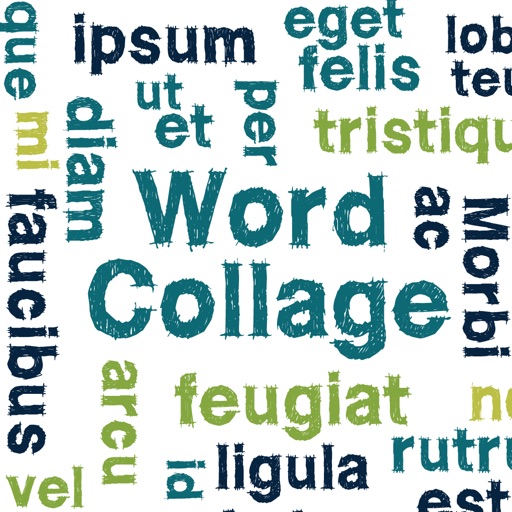
Create clouds by selecting color themes, fonts, and layouts. Choose from six layouts including horizontal, vertical, and half and half. Input text to generate clouds where common words appear larger.
Create collages by arranging photos, text, and stickers. Edit images with cropping, filters, and adjustments. Design carousels to share stories. Add frames, borders, and backgrounds. Export and share finished projects directly.
Edit photos with brightness, saturation, and contrast adjustments. Add text, stickers, and memes. Crop, rotate, and straighten images. Apply effects and frames. Sharpen or blur photos. Import images from the camera roll. Fix red tones.