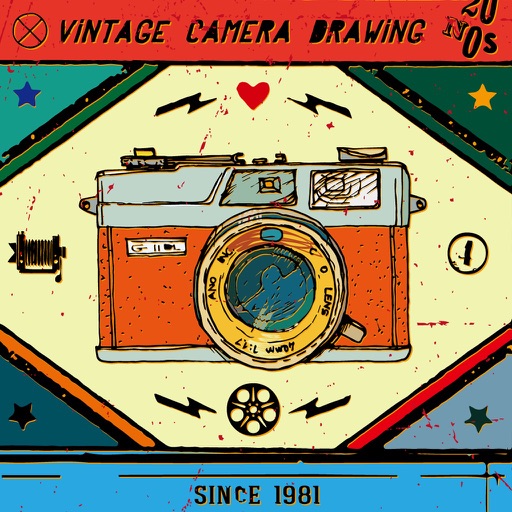
Edit photos and videos with vintage and retro styles using curated presets. Apply filters to adjust color, contrast, and tone. Use templates for minimal, paper, film, or polaroid effects. Export edited content in various formats and share directly.
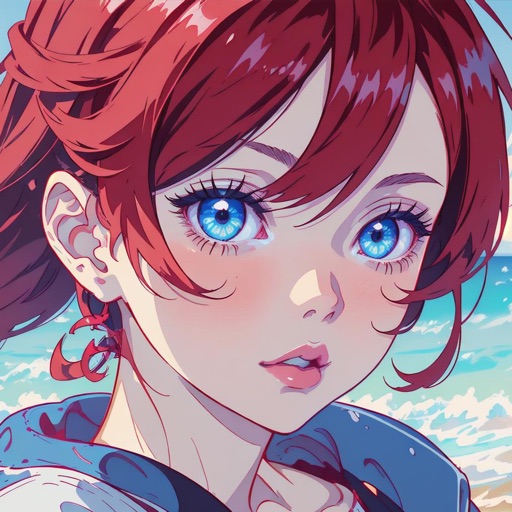
Create art using AI-generated visuals based on text prompts. Adjust colors, styles, and compositions. Save and share . Collaborate with others on creative projects. Export in various image formats.
Create reflection for photos with left-right, up-down, and repeating options. Apply cool filters and artistic frames. Edit images to generate twins and typography .
Add text to photos using customizable fonts and captions. Overlay images with artistic artwork or choose from filters and frames. Scale and crop photos for editing. Share edited photos directly to Instagram.
Browse artwork, download images, and display photos
Browse and download artwork, paintings, and photos for Samsung TV or Hisense CanvasTV. Access integrated libraries from Smithsonian, Wikimedia Commons, and Unsplash. and adjust images to fit borderless displays. Share or save edited photos directly.
Apply aging effects to photos to simulate aging or youth. Transform selfies into celebrity looks with cosplay filters. Edit images with effects, filters, and adjustments. Export edited photos in various formats and share directly.
Turn a single photo into a short film with dynamic AI animation. Apply cinematic filters and effects. Export videos in high quality for social platforms. Adjust timing and transitions. Add background music and text overlays.
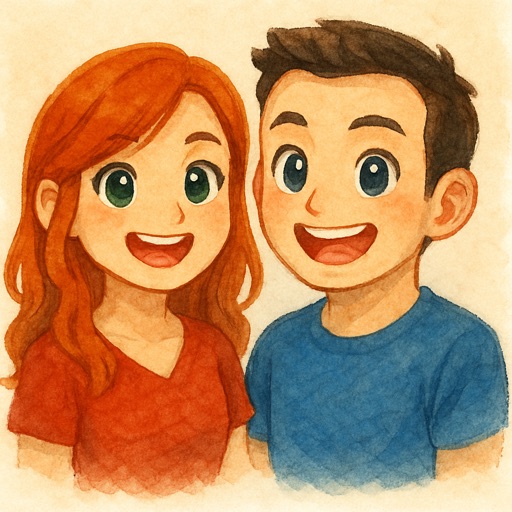
Convert photos to cartoon artwork using AI technology. Upload or capture images, select cartoon styles, and generate results instantly. Share or save converted images directly.
Create AI avatars for social media profiles. Customize appearance with style options. Design virtual outfits and backdrops. Generate realistic digital personas for Instagram, TikTok, Facebook, and Snapchat.