Capture web pages by entering URLs to generate high-quality screenshots. Save full-page images to your album. Generate HD content maps and long-page visuals for social media, ads, and reports.
The app offers photo editing tools including filters, effects, and adjustments for brightness, contrast, and saturation. Users can add text and stickers to their images before sharing them.
Create professional-quality graphics by adding overlays, fonts, backgrounds, and filters to photos. Edit images with cropping and adjustments. Share designs directly to social media platforms.
The app modifies iOS, iPadOS, and watchOS screenshots. It allows custom text or a 5G logo in the status bar and supports multiple screenshot selection with automatic cropping.
Edit with filters, stickers, and emojis. Create photomontages with built-in effects. Apply artistic tools for detailed edits. Add with customizable fonts and colors. Export and share edited images directly.
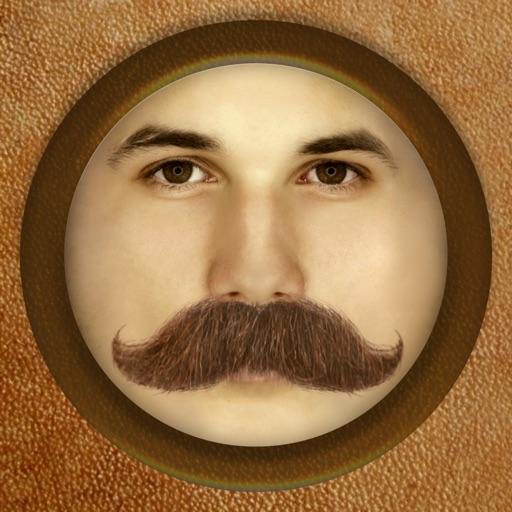
The app adds different types of mustaches to face photos. It automatically adjusts the color and brightness of 16 different mustaches for a realistic result.
Edit photos with AI-powered background removal and replacement. Generate realistic images from text. Use advanced tools like layers, masking, and cloning for detailed edits. Export and share edited photos directly.
Edit photos with filters, masking tools, and multiple filter layers. Apply selective filters using advanced masking to create effects like color splash or tilt shift. Adjust and combine filters for custom results.
Resize images to different sizes without cropping or adding borders. Adjust aspect ratios by compressing or stretching, which may distort the image. Best suited for landscape photos, backgrounds, real estate images, or drawings.
Take photos with multiple filters, light leaks, and effects. Use a timer, volume keys, and composition lines. Crop images in various ratios. Edit photos with filters and apply them to images taken with other apps.
Adjust image hues, saturation, and brightness. Apply binarization, smoothing, and mosaicing. Add noise and reduce color depth. Save and share edited images.
Edit images with blur, watermarking, and mosaic tools. Apply batch processing and circular brush effects. Adjust videos with blur, watermarking, and mosaic. Add music, stitch videos, and apply covers.
Edit photos with body transformation tools, one-touch filters, and cropping. Apply mosaic and blur effects to background. Add vignette. Adjust and share edited images directly.