Record and audio for voice or instruments. Create song sections like verse, bridge, and chorus. Switch between sections in real time. Import audio files and use drag-and-drop. Apply effects and overdub tracks. Supports iPad and iPhone.
The app allows users to control Mixcraft recording software from an iOS device. Users can start recording and playback, change position, control volume, undo/redo, and save projects wirelessly within the studio.
Convert to various tones and effects using AI. Apply effects to recordings or text-to-speech. Save and share transformed audio files. Adjust pitch, speed, and volume settings. Sync with social media platforms for direct sharing.
Import videos and apply effects with presets like Small Room, Medium Hall, and Underwater. Adjust Wet/Dry mix for effect intensity. Create custom and delay settings. Export videos in original size or lower resolution.
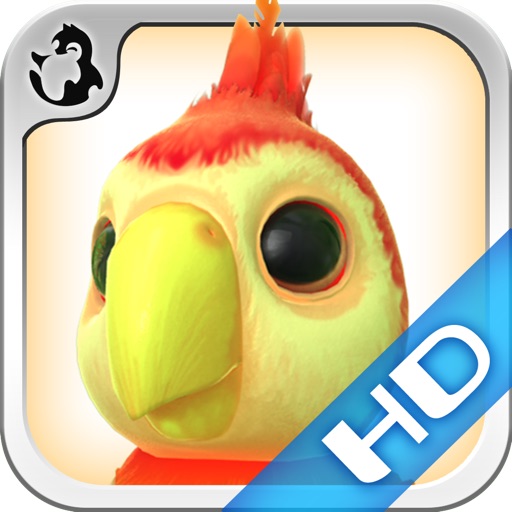
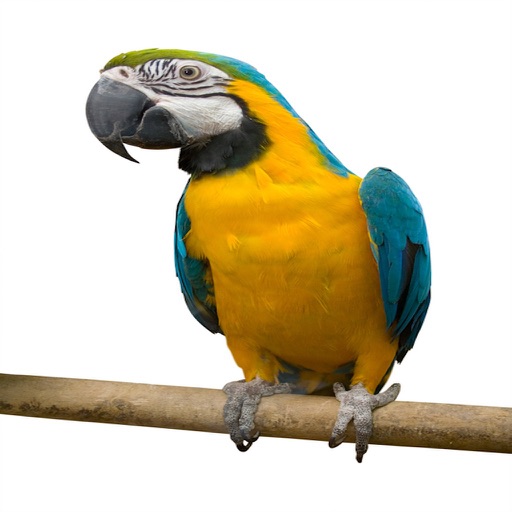
The app features a parrot that repeats spoken words in a funny voice. Users can interact with the parrot by tapping icons to feed it, make it dance, or pat it to see animations like flying or waking up.
Records audio input and repeats it back in a modified voice after 10 seconds. Users can speak or sing into their device and listen to the playback. The uses microphone functionality to capture and process sound.
Record audio and video to capture eerie sounds and animations. Share recordings with friends or loved ones. Add visual effects to enhance spooky scenes. Trigger surprises by playing recorded voices.
Record voice messages and share them with up to ten players. Each participant adds their own twist by recording their interpretation. Listen to the evolving message as it passes through the group. Share the final result with friends.
Play board games with friends in real-time voice parties. Send voice gifts to gain attention and likes. Team up for Ludo, Domino, and UMO games. Customize avatars and compete in challenges.