Photos by selecting and painting over areas with a magnifying glass tool. Adjust intensity and apply pixelation effects. Remove blemishes and add filters. Export edited images in high resolution.
Edit photos with HDR effects, filters, and detailed adjustments. Enhance images with powerful lighting and contrast tools. Save and share edited photos in various formats.
Create social media graphics using pre-designed templates. Choose from layouts for collages, banners, invitations, business graphics, posters, quotes, and profile photos. Customize designs with text, images, and color adjustments.
Edit photos using like Linear, Vignette, and Sepia. Adjust brightness, contrast, and color with tone curve tools. Apply blur, focus, and rotation. Add stickers, text, and emoticons. Crop and resize images.
Edit photos and videos with vintage and retro styles using curated presets. Apply filters to adjust color, contrast, and tone. Use templates for minimal, paper, film, or polaroid effects. Export edited content in various formats and share directly.
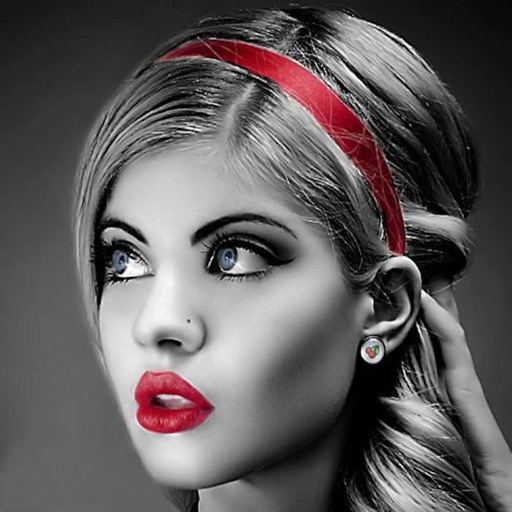
Edit photos with selective effects using gesture controls. Zoom and pan to adjust splash areas. Convert parts of the image to grayscale while keeping selected regions in full . Export edited photos directly.
Enhance quality with AI-powered upscaling. Remove blur, grain, and pixelation to create crisp, high-resolution images. Restore old photos and videos. Share edited files directly.