Learn and stock through an interactive simulator that replicates real market conditions. Practice trades without risk. Access tutorials, track performance, and analyze charts to improve skills.
Create and facial sketches using detailed geometric models. Analyze face structure from basic shapes to complex forms. Practice with 25 models, including 2 free. Refine sketches with layered tools and adjust proportions.
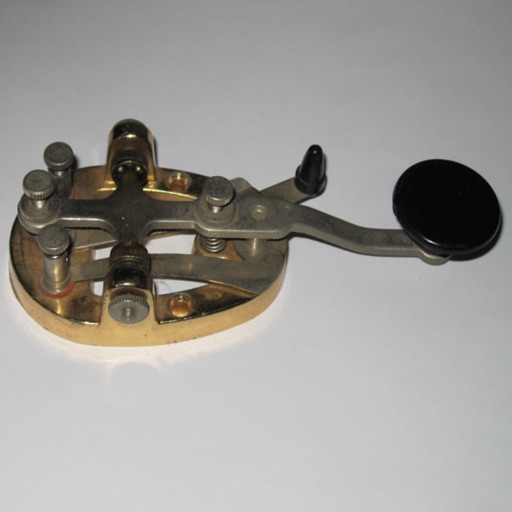
The app offers modules for learning Morse code, including character recognition and copying practice. Users can customize settings like speed, pitch, and character groups for personalized learning.
Practice tests for math, reading, and writing with detailed explanations. Categorized questions cover Next Generation Reading and Math. AI-powered learning assistance tracks progress and identifies areas for improvement.
Practice code with adjustable speed settings and customizable exercises. Generate random characters for timed drills. Track progress with accuracy and speed metrics. Share results and compare with other users. Sync sessions across devices.
Decode FT8 signals from audio or SDR sources. Support Level 1 decoding for standard callsigns or 13-character text. Generate FT8 message audio for testing. View decoded messages and metadata.
Study for the driver's license exam with state-specific questions. Review traffic signs and rules. Take sample tests to prepare for the DMV exam. Track progress and access expert-contributed questions.
Executive Office of The Commonwealth of Pennsylvania
Driver's questions
For the PennDOT knowledge with realistic questions. Review topics and track progress. Access safety information for licensed drivers. Share scores via social media or email.
To compete globally for the highest Words Per Minute. Practice with touch or connected keyboard. Choose from 5 backgrounds. Track progress and challenge friends. Auto-generated speed tests available. Supports landscape mode on iPad.
Study for Network+ certification with practice tests, detailed explanations, and AI-powered learning tools. Review networking fundamentals, troubleshooting, and security.
Simulate amateur radio CW QSOs with contest-style operations. Input Morse code using an electric touch keyer. Switch between transmit and receive with a send button. Adjust CW speed and reverse dot/dash settings. Display TX/RX status.