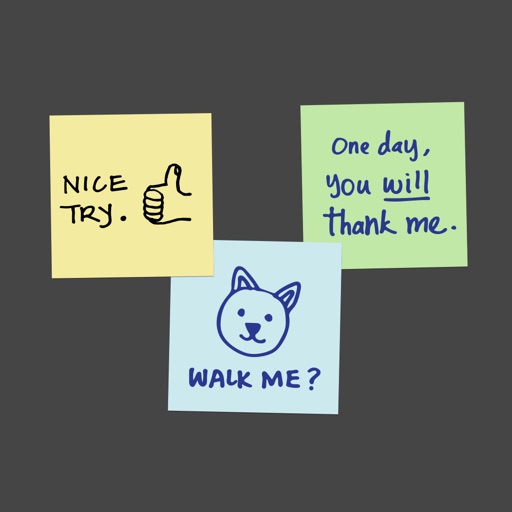
Apps Like Sticky Stacky Notes! for iPhone and iPad
Organize tasks and notes visually
Organize tasks and ideas in a visual list format. Add notes, set reminders, and prioritize items. Drag and drop entries for rearrangement. Share notes with others via link. Sync across devices.
by Alexander Martin★ 5.01 ratingsProductivityFreeData updated 2026-09-06
Create and manage with friends. Add tasks, set due dates, and receive notifications when items are completed. Organize tasks using or hashtags. Search for specific items quickly. Set personal reminders for time-sensitive tasks.
Manage homework, tests, and notes within a . Track absences and use an organizer to schedule task time. Upgrade to access weekly timetables, grade management, and custom themes.
Create and organize tasks within workspaces and projects. Add to-do items and track progress. Set deadlines and prioritize tasks. Sync across devices and collaborate with team members. Export task lists and generate reports.
Take , create to-do lists, and set reminders. Organize text, images, and voice memos in folders. Search for by keywords. Share via email or messaging apps. Sync across devices.
Create and manage tasks with notes, check-offs, and subtasks. Set reminders and deadlines. Organize daily, weekly, or project-based activities. Sync across devices for consistent access. Track progress with simple, distraction-free interface.
Take notes in a chat-like interface with text, images, and voice recordings. Create to-do lists and set reminders. Track habits and progress with daily logs and streaks. Organize notes into folders and search by keywords.
Track and manage with item details, photos, and location notes. Add custom attributes and organize items into categories. Sync across devices and access remotely. Set reminders and generate reports for audits.
Create and organize with folder structure. Sync across devices using iCloud. Save unlimited with advanced controls and custom settings. Share feedback via email.
Create labels to categorize information. Build to-do lists and set reminders. Sync calendar events and add widgets for quick access. Edit and organize text, images, and attachments. Set passwords to sensitive content.
Create and manage unlimited to-do lists with priority sections for tasks. Mark items as completed, view total completed count, and swipe through past entries. Instantly search for items via Google. Customize with 12 themes.
Create checklists using voice commands or uploaded images. Add tasks, set reminders, and track progress. Sync across devices and access lists from iPhone or Apple Watch.
Manage tasks, track progress, organize daily goals
Create tasks with or without due dates, reminders, recurrence, and address. View current, next, and completed lists. Track upcoming tasks with visual and numeric day counters. Change status manually. Remove ads via in- purchase.
Organize tasks, reminders, and subtasks in custom lists. Add notes, photos, links, or files to any task. Set multiple same-day reminders and recurring routines. Use conditional reminders based on time or location.
Track tasks with custom durations and intelligent scheduling. Set focus timers to manage work sessions. Share progress and achievements with friends. Sync tasks across devices and receive reminders.
Quickly write and save a simple interface. Set reminders and access via Notification Center today . Sync across devices using iCloud. Search through system search. View on Apple Watch. Unlock history of an in- purchase.