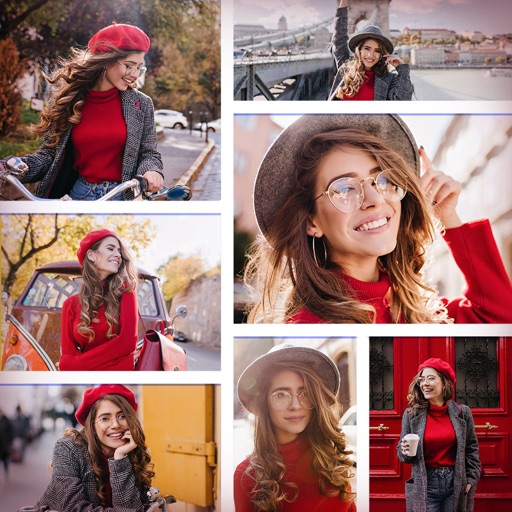
Split photos into 3×2, 3×3, 3×4, or 5×5 grids. Save images in high resolution. Choose grid styles and export directly. Share ready-to-post layouts on Instagram.
by Abel Duarte★ 5.01 ratingsPhoto & VideoFreeData updated 2026-09-06
Create grids using customizable layout templates. Add multiple photos to form story-style collages. Edit and arrange images within the grid. Share finished collages directly to social media.
Create videos with 3D objects and glitch effects using personal images and videos. Apply 200 grid presets to objects and adjust divisions and intensity. Blend images, set background images, and control object transparency.
The app allows users to crop photos into a square shape for posting on Instagram. It supports both landscape and portrait orientations and offers various background options and effects.
Create videos and animations using AI-powered tools. Transform images into anime or game characters. Edit videos with style filters and effects. Add text and music. Export and share finished projects directly.
The app provides layouts, backgrounds, and frames for designing photo collages. Users can select templates, upload photos, and adjust them with effects, resizing, or rotation.
Create Instagram collages using pre-designed templates. Select from static or animated layouts in categories like grid, minimal, and film. Customize templates with layer controls, color adjustments, and text overlays. Share directly to Instagram.
Create photo and video stories with customizable animations and templates. Add text, stickers, and music. Edit clips, adjust brightness and filters. Share directly to social media or messaging apps. Save and view stories in gallery.
Create collages by combining multiple photos and videos. Choose from , poster, or editor modes. Adjust layouts, add effects, and stitch content together. Edit images with filters, cropping, and text overlays.