Apps Like Wpixel - make pixel image for iPhone and iPad
Convert photos to art instantly
Convert photos into art illustrations by selecting an or capturing one. Tap the conversion button to generate the -style artwork automatically. No complex settings or technical knowledge required.
by Hung Le★ 4.746 ratingsEntertainmentFreeData updated 2026-09-06
Manage and organize creative projects in one place. Import and export files. Edit art with high zoom, animation tools, and color palette customization. Create and animate sprites for retro-style games.
Convert prompts into digital artworks by selecting a style. Edit generated images, adjust colors, and export in various formats. Share creations directly or save to device.
Create videos from photos automatic styling and customization. Add stickers, text, and frames. Choose animation modes and apply filters. Share the final directly.
Transform photos into clay-style cartoon art using AI. Upload images to generate unique artworks. Customize details like colors and expressions. Share creations on social media platforms.
Create videos using AI-generated celebrity voices. Choose a celebrity, input text, and generate audio. Share videos via messages, Stories, or calls. Add humor to conversations and create personalized content for social media.
Anonymous phone chat allows users to communicate with others through text messages and timeline posts. Users can create profiles, view profiles, and initiate conversations.
Record cat vocalizations to analyze and translate meows, purrs, and hisses into human language. Identify emotional states and needs through AI-driven insights. Share results and track patterns over time.
Control playback and navigate TV menus using your smartphone or tablet. Search for content and launch streaming services directly. Adjust volume and settings remotely. Sync with device for seamless interaction.
Create and play video games with various genres like adventure, platformers, and mazes. Design custom characters and use elements such as zombie mobs, lava, and trampoline tiles.
Create AI art from photos using one-tap style templates. Generate viral videos with automated editing. Customize videos by describing ideas. Add text, stickers, and effects. Export and share finished projects.
Convert photos into , anime, or artistic styles with 80+ AI-powered templates. Select a style, upload a photo, and generate a transformed image in seconds. Export and share the result directly.
Create videos using AI-generated clips based on text prompts. Add music, transitions, and text overlays. Export videos in multiple formats and share directly. Edit clips with trimming and rearranging features.
Create art and cross-stitch patterns with palette selection and gridline toggle. Use eraser, drag or tap to draw, and long press to fill. Trace images and export as files. Supports cross-platform creation.
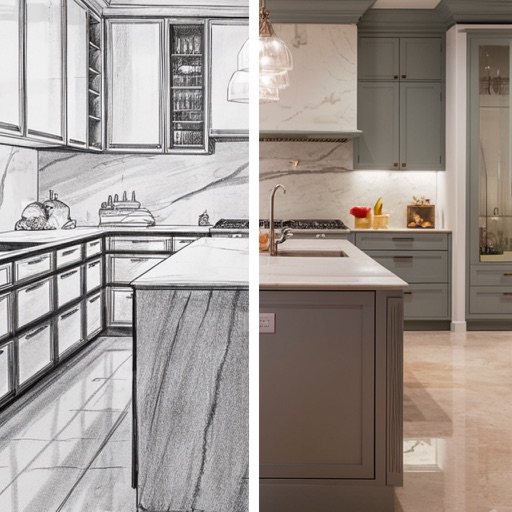
Transform spaces by snapping photos and using AI to redesign kitchens and rooms. Adjust layouts, colors, and materials with intuitive tools. Preview changes in real-time and save or share concepts.