Edit photos using a variety of and filters. Apply adjustments for color, contrast, and brightness. Save favorite in a dedicated folder. Access detailed instructions for beginners. Organize into categories for different shooting conditions.
Color grade photos and videos with tools. Apply 60+ real stock presets. Add realistic grain, bloom, and halation effects. Adjust colors professionally for a cinematic look. Export edited media in high quality.
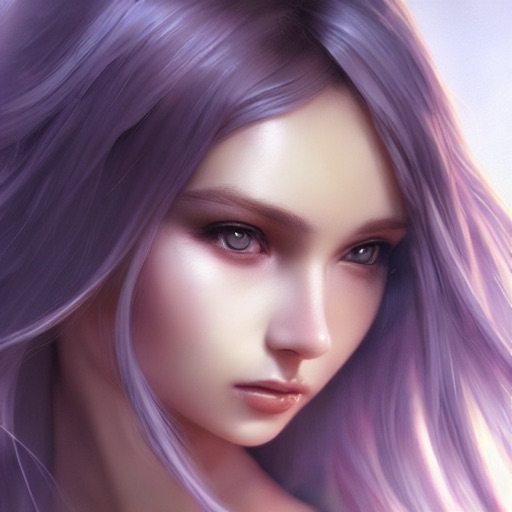
Create AI artwork by entering text or uploading images. Choose from styles like anime, cyberpunk, and sketch. Earn free painting cards through daily check-ins. Edit and export generated art in various formats.
Create pixel art using a grid-based drawing tool. Share artwork with others. Bookmark and comment on shared pixel art. Set created pixel art as profile image. View and interact with user-generated pixel art posts.
Edit screenshots with redact, highlight, underline, strike, blur, blend, and pixel tools. Create and customize screenshots with notes, text overlays, GIFs, and device mockups. Adjust shadows and fillets for precise styling.
Create and design custom clothing for Roblox characters using an intuitive editor. Choose colors, add patterns, and build shirts, pants, and full outfits. Save designs and share them with others.
Create and send custom AI-generated . Choose from various styles and expressions. Edit with text, colors, and effects. Share in messages and social media. Save and organize personal emoji libraries.
Create artwork using AI by entering prompts and selecting art styles. Generate unique paintings in seconds. Upload photos to create AI avatars with customizable filters. Explore creative options for self-portraits and fictional characters.
Create daily drawings through guided challenges with specific prompts. Receive instant feedback on artwork. Track XP, maintain streaks, and compare rankings on leaderboards. Features a clean interface optimized for artists.