Enhance by removing blurriness and improving clarity. Restore old or faded images to reveal vivid colors and details. Increase resolution for sharper, clearer results. Apply color enhancement and detail sharpening.
Edit photos with AI art style transfer and realistic filters. Add beautiful frames and apply FX or blur effects. Turn portraits into canvases or cartoons with magic effects. Use lens tools for lighting and adjust colors manually.
Faces in photos and videos with a single tap. Use AI to generate realistic swaps quickly. Choose from multiple templates to customize results. Export edited content directly to social media platforms.
Edit photos and videos by automatically recognizing and processing backgrounds. Choose from four recognition methods including transparency, blur, and replacement. Process only the subject or apply effects like fluffy, mosaic, monochrome, or sepia.
Clean up duplicate photos, similar videos, and unnecessary files automatically. Organize storage by removing clutter and optimizing device performance. Scan for space-saving opportunities and manage files with intelligent sorting.
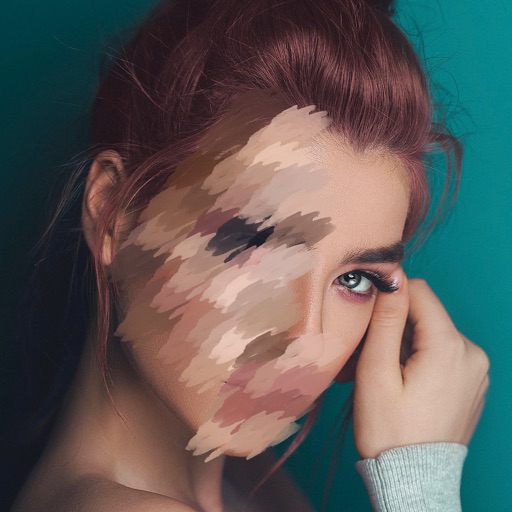
Automatically blurs faces, usernames, profile pictures, and sensitive text in screenshots. Users can share content across apps like iMessage, Instagram, WhatsApp, and Facebook while protecting privacy.
Images and videos with sharpening, upscaling, and detail refinement. Apply cartoon-style filters and adjust colors. Edit and export media without internet connection. Share directly or save to device.
Edit photos with smart foreground recognition to isolate subjects. Add customizable with options for font style, size, color, opacity, alignment, spacing, shadow effects, and background colors. Crop images using an easy-to-use tool.