Create morphing videos by blending pictures with music. Add photos from the library or take new ones. Apply filters and set a timer. Share videos to social media or other platforms. Use AI for smooth transitions and color grading.
Clean and organize iPhone storage by removing duplicates, deleting unused files, and clearing cache. Protect privacy with on-device processing. Manage photos, videos, and data to free up space and improve device performance.
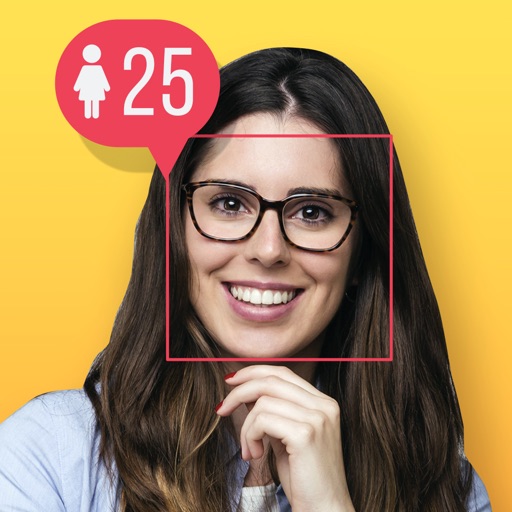
Analyze faces in photos or selfies to determine age using AI. Detect faces looking directly into the camera. Share results on social media. Experiment with different image sources including gallery, screenshots, and downloaded photos.
Edit photos by blurring backgrounds, faces, or specific subjects. Apply various effects and filters. Save edited images to the camera roll or share them directly.
Organize photos by deleting duplicates and similar images to free space. Manage screenshots and videos efficiently. Clean up contacts by removing duplicates and those without phone numbers.
Batch blurring allows users to faces and license plates across multiple photos simultaneously. Select specific faces or plates to keep sharp and adjust intensity. Protect sensitive data by ensuring private information remains obscured.