Decorate home screen with photos using . Choose from small, medium, and large sizes. Add up to 50 photos per widget. Set slide durations for each . Place multiple on the home screen.
Generate AI art from text prompts using Stable Diffusion technology. Create and edit images, emojis, and videos. Download and share artwork directly. Convert ideas into visual masterpieces with advanced AI tools.
With intuitive tools and layers. Edit photos to pixelate them or design memes and posters. Use an advanced color picker with RGBA support. Zoom and move with gesture controls. Export artwork for NFT creation.
Edit videos by extracting from Live Photos and combining with standard videos. Add background music and over 50 transition effects. Trim, crop, and edit text within videos. Share the final video directly.
Create custom playlist covers with twelve design templates. Adjust colors, text, fonts, and styles. Add photos to compatible designs. Save and edit covers for use on music streaming platforms.
Edit photos with a variety of filters and effects. Add styled text and decorative elements. Save and share edited images directly. Create visual compositions with intuitive tools.
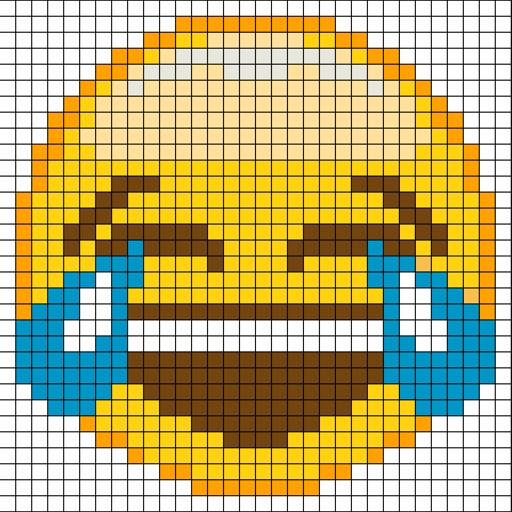
The app allows users to create pixel art using four different shapes: squares, circles, diamonds, and triangles. Users can export their designs as high-resolution PNG files.
Create by painting individual pixels. Adjust canvas size, select colors, and customize border settings. Erase, undo, and resize drawings. Save artwork to gallery and storage. Share completed pieces others.