Allows users to perform basic and advanced mathematical operations. It includes a sidebar and tab bar for navigation and data sharing. Users can drag and drop entries to create new windows or use the context menu to generate new windows.
The app provides a simple canvas for quick sketches with pen, crayon, and brush tools. Users can adjust colors and line widths, and automatically save their latest drawing to Photos.
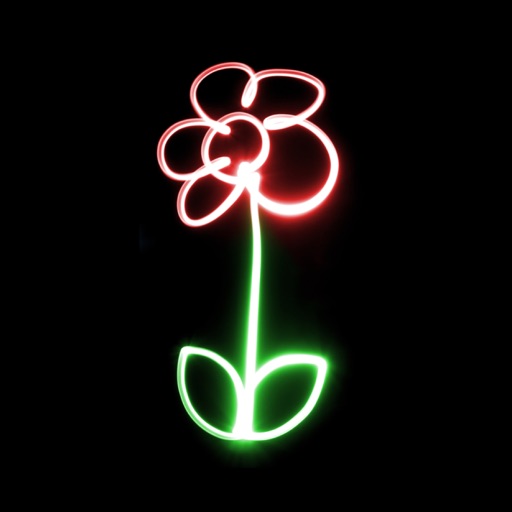
Create glowing neon paintings from photos. Save artwork to Photo Library. Email postcards globally. Supports New iPhone and iPad. Use multiple undo levels. Mix colors for unlimited options. Adjust brush size and glow intensity.
Edit by converting with a single click: uppercase, lowercase, title , sentence , inverse , or alternating . Clean by removing double spaces, line-breaks, or HTML code. Undo changes if needed.
The app offers unlimited board size and color choices for pens and backgrounds. Users can import photos, print snapshots, and utilize undo/redo functions.
The app provides a digital whiteboard experience for drawing and sketching. It offers multiple marker colors and tip sizes, with undo/redo functionality and the ability to save drawings.
Create and edit PDF documents by adding text, notes, and drawings. Import images and PDFs from the file . Convert photos to PDF, duplicate, rename, and password protect files. Rearrange pages, search within PDFs, and share as PDF or image.
Build and visualize molecules in 3D. Add oxygen, nitrogen, chlorine, carbon, hydrogen, double and triple bonds, branches, and rotation conformations. Edit structures with undo, redo, and delete functions. Export models for further use.