Create and edit Minecraft skins with precision. Import existing skins or design from scratch. Save to device or export directly into Minecraft PE. Design and import capes. Edit and customize maps for Minecraft worlds.
by Riken Sonani★ 0.00 ratingsEntertainmentFreeData updated 2026-09-06
Create and customize 3D environments by placing and moving building blocks. Destroy and reshape terrain. Save progress. Jump and navigate through infinite worlds. Build structures, castles, or kingdoms freely.
Modify worlds with Add-Ons to change mob appearances and behaviors. Install tested modpacks for enhanced gameplay. Update regularly with new content and features.
Attacks from a T-rex and a fire-breathing dragon. Navigate tsunamis and balance on waterfalls. Play dozens of mini games. Build a survivor city. Unlock skins and characters. Complete challenges to progress.
The app provides information on Mobs, Biomes, Crafting, Recipes, Smelting, Weapons, Tools, Trading, Tips & Tricks, Potions, and Enchantments for Minecraft. It answers common player questions about gameplay elements and game progression.
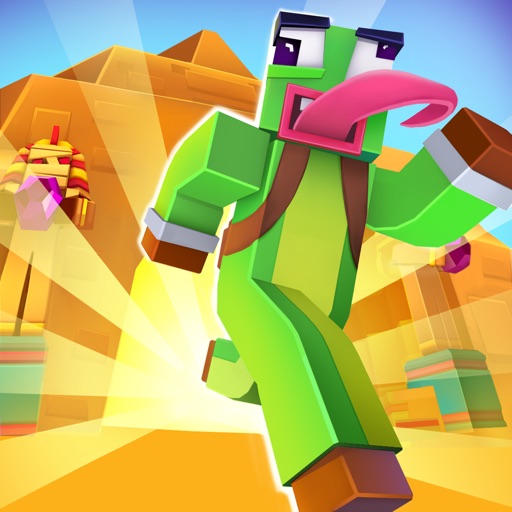
Run, jump, and slide to mine resources and build a base. Compete against recorded scores from a YouTuber. skins, including a popular one from the YouTuber. Battle bosses that move and attack autonomously.
Generate unique usernames for games like PUBG, Free Fire, Fortnite, and Minecraft. Choose from 600+ styles. Create unlimited usernames instantly. Save and share generated names.
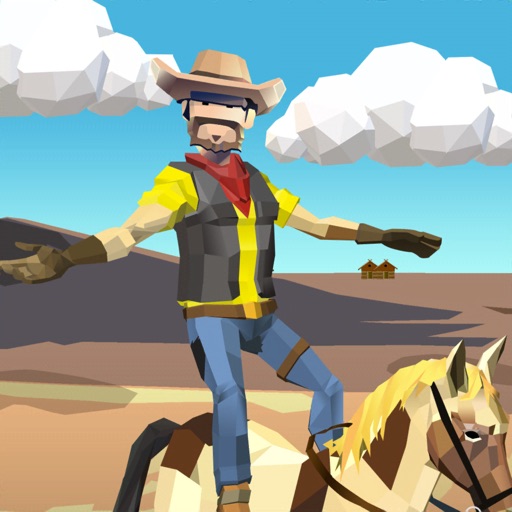
Tap and hold to the or cowgirl to progress through levels. Collect coins with more flips. Unlock skins, characters, and steeds using collected coins. Daily play rewards additional coins.
The app is a first-person survival shooter where users face nightmares in a block-style horror game. Users must survive waves of undead monsters, zombies, and ghosts by collecting blocks from defeated foes to upgrade weapons and craft new ones.
Create custom Minecraft skins directly on iPad with intuitive tools. Choose from pre-designed templates, select colors, and apply patterns. Export skins to Minecraft and share creations with friends. Supports both easy and advanced editing modes.