Calculate development times using manufacturer-sourced data and adjust for push/pull, dilution, temperature, and agitation. Track steps with a built-in and agitation reminders. Export calculated times for use in darkroom or digital processing.
Access and use an offline copy of The Dev for film development. Set and manage multi-step timers with sound alerts. Customize agitation schedules and select darkroom themes. Mix dilutions for processing.
Allows users to create and manage custom development recipes with separate timers for each stage. It features a mode suitable for B&W photographic paper. The displays all necessary information clearly.
Edit photos using contrast, saturation, and brightness tools. Apply free and custom filters. Share edited images to social media or save in high resolution. Collaborate with other photographers in a community workspace.
Capture photos with natural grain and film-like exposures without AI processing. Save images in Raw DNG format for editing in professional tools. Use Apple's ProRaw for high-quality capture. No editing features included.
Film Development Timer allows users to create custom development recipes with multiple steps and intervals. Set and track timing for each step. Switch to a darkroom mode with a red-on-black interface. Manage and name recipes for easy reference.
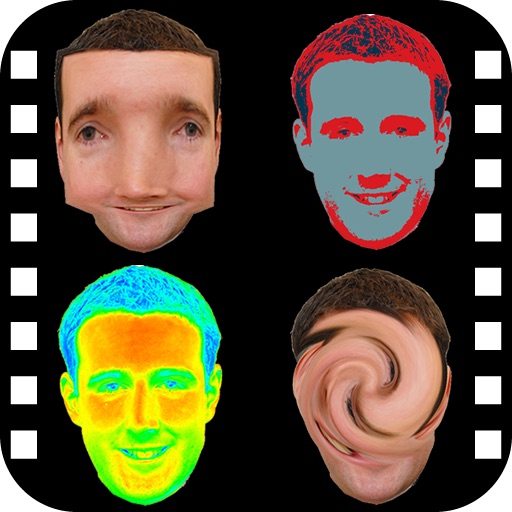
The app provides a photo editing experience with numerous effects. Users can select a picture and apply various filters like Night Vision, Heat Cam, Ripple, and Alien.
Darkroom allows users to adjust exposure and contrast by selecting optimal strips. Users can manually brighten or darken specific image areas. Features include intuitive controls for developing film-like effects and simulating darkroom processes.