The app helps users identify notes on the fretboard and staff. It offers practice and test modes, supports various key signatures and scales, and tracks user progress per fret group.
Train musical ear with 50+ customizable exercises for interval and chord recognition. Practice with adjustable settings and a large chord library. Track progress and repeat exercises for improvement.
Learn and practice - with customizable fingerings. Transpose using a capo. Explore historical context and techniques from influential guitarists. Save and share chord progressions.
Learn chess through real game scenarios. Practice move sequences from actual Lichess games. Track progress with spaced repetition system. Analyze variations and improve decision-making in critical positions. Adjust difficulty based on skill level.
Learn with detailed fingering instructions for all 17 fretboard positions. Explore over 24,000 chord voicings tailored to specific types and tunings. Track progress with interactive exercises and practice routines.
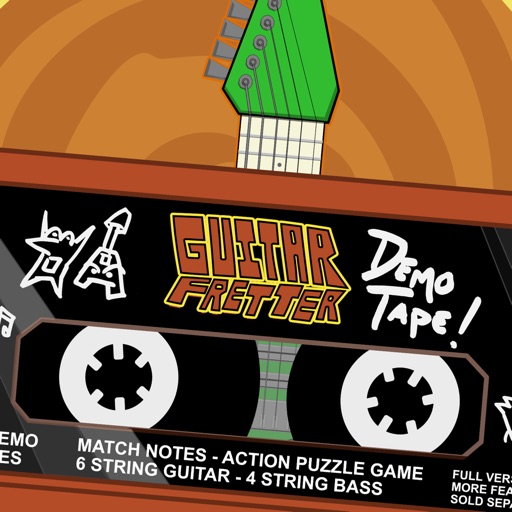
Play an action puzzle game where matching notes earns health and points. Learn fretboard patterns through gameplay. Avoid mysterious creatures by hitting correct notes. Track progress and discover note sequences to improve playing skills.
Create and edit progressions with inversions, sus2, sus4, 7th, and 9th chords. Play chords as piano or synth or send MIDI to macOS. Use phone as MIDI keyboard for macOS. Practice reading musical notation.
Play notes, track progress, practice sight reading
Practice sight reading with real or virtual instruments. Access timed game drills for instrument training. Use MIDI with headphones or a keyboard. Includes free landmark notes tutorials and mini-drills. Upgrade for advanced sight reading features.
Analyze MIDI and audio to identify key and scale. Suggest chords, melodies, and basslines. Connect to keyboards, synths, or MIDI devices via Bluetooth. Edit and arrange musical content. Export tracks in various formats.
Learn vocabulary through space-themed games and interactive flashcards. Practice words with text, audio, and visual icons. Build vocabulary in categories like numbers, colors, and daily activities. Track progress and review words for reinforcement.