And manage TT videos with editing tools for trimming and customizing. Review favorite videos and organize content without ads. Edit videos directly within the for simple modifications.
Control TV remotely via Wi-Fi by connecting iOS device and TV. Mirror screen to display videos, photos, music, web pages, PDFs, and drawings. Cast content without extra hardware or delay. Adjust volume and navigate menus directly from device.
Turns phone into a high-definition source for OBS Studio. Stream or record virtual events with live video and audio. Supports real-time input for content creation. Integrates with OBS for broadcasting and recording.
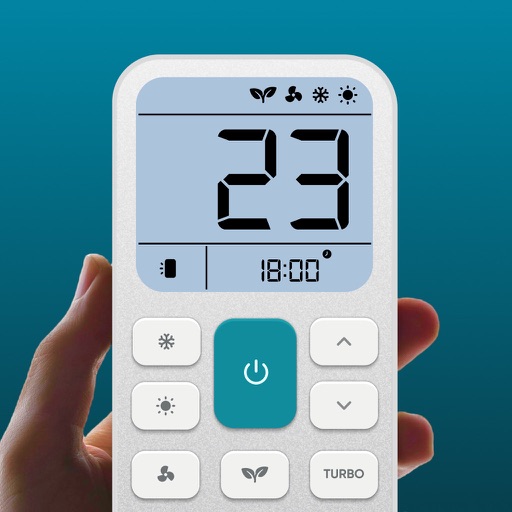
Control air settings from a smartphone. Adjust temperature, switch modes, set timers, and change fan speed. Connect to multiple AC units. Compatible with various brands. Manage cooling or heating remotely. View and adjust schedules.
Smart Album Cleanup identifies and removes duplicate, similar, blurry photos, and large videos. Video Cleanup lets users delete storage-heavy videos with one tap.
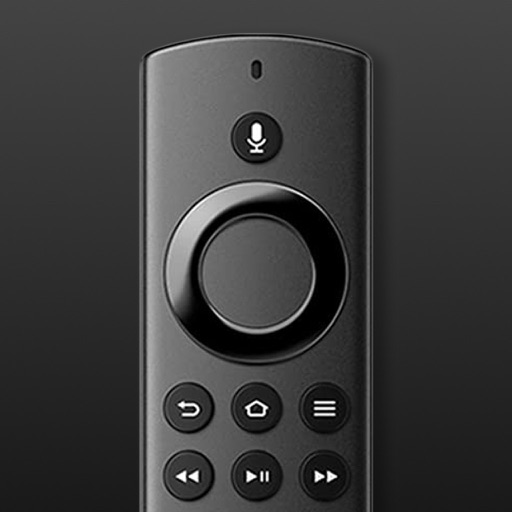
Connect to TV for remote control. Navigate using arrow keys for TV interaction. Manage TV apps from the remote interface. Adjust volume with responsive controls. Requires same Wi-Fi network for connection.
Control TV functions with button layout customization. Adjust volume, power, and input settings. Navigate menus and launch apps. Pair with multiple TVs and manage device connections.
Create videos from photos with music and special effects. Add transitions, text, and backgrounds. Export videos in various formats and share directly. Apply cool effects to enhance visual storytelling.
Secure VPN provides high-speed servers worldwide and data encryption for protected browsing. Control compatible Smart TVs remotely and manage connections directly from a smartphone.
TV functions via smartphone without a physical . Change channels, navigate menus, and manage launches. Adjust volume, pause, and rewind content. Connect to TV over Wi-Fi on the same network.
Turn your phone into a TV control. Adjust volume, change channels, browse menus, and power the TV on or off. Connect to most TVs instantly. Navigate with an easy-to-use interface.
Control your TV with on-screen buttons for power, volume, and channel navigation. Use the touchpad to navigate menus and select options. Adjust input sources and access smart TV features directly from your iPhone.
Detect unusual reflections or lights using the phone's camera and flash. Scan for irregular signals or infrared light. Check WiFi and Bluetooth devices in the vicinity. Identify potential privacy risks in the environment.
Allows users to adjust volume, change channels, and playback. Launch apps, navigate menus with swipe gestures, and type using a phone keyboard. Connect via Wi-Fi for quick pairing.
Organize photos, delete duplicates, manage library
Organize photos by removing duplicates and freeing up space. Filter and sort images by date, folder, or type. Delete or move photos directly from the gallery. Share cleaned photo collections via social media or email.