Access and share guitar and bass effects via ToneCloud® community with over 10,000 presets. Use with BIAS Amp for amp simulation. Edit and save custom presets. Adjust effects chains and parameters. Export audio recordings. Sync with iOS devices.
Record and edit with multi-track mixing and mastering capabilities. Add effects, adjust levels, and export in various formats. Supports sound recording, processing, and voice editing.
Create and customize beats using and studio-quality samples. Access free monthly sound packs and watch tutorials to learn beatmaking. Record tracks, share them via social media with a hashtag, and apply effects to enhance sound quality.
Record audio using phone microphone for instant sampling. Create beats by arranging samples, applying effects, and building tracks. Resample output into new inputs for extended sound manipulation. Track progress in real-time with intuitive interface.
Remove vocals or instruments from audio files using AI. Upload unlimited tracks and export edited audio. Extract isolated vocals or instruments for music production.
Create by inputting text, hums, beats, audio, or images. Generate song lyrics, hooks, and beats using AI. Produce AI videos synced with emotional tone. Sync audio and visual elements for cohesive output. Export and share finished tracks.
Record performances with built-in loops and beats for background rhythm. Capture riffs, sketches, and song ideas through voice or beatboxing. Overdub tracks and layer multiple parts. Export recordings in various formats and share directly.
Edit and remix music by separating tracks like vocals, drums, and guitar. Add MIDI instruments and apply audio effects. Use AI chord detection and a smart metronome. Remove vocals or isolate instruments from any song.
Upload tracks, share videos, connect with musicians
Upload music tracks and videos to share with a global community. Connect with other musicians for collaboration. Record and edit audio. Track progress and build a profile to increase visibility. Share content across social media platforms.
Edit by cutting, trimming, splicing, and merging clips. Apply fades and crossfades. Adjust volume and equalization. Record high-quality directly. Export in various formats. Collaborate by sharing files and syncing projects across devices.
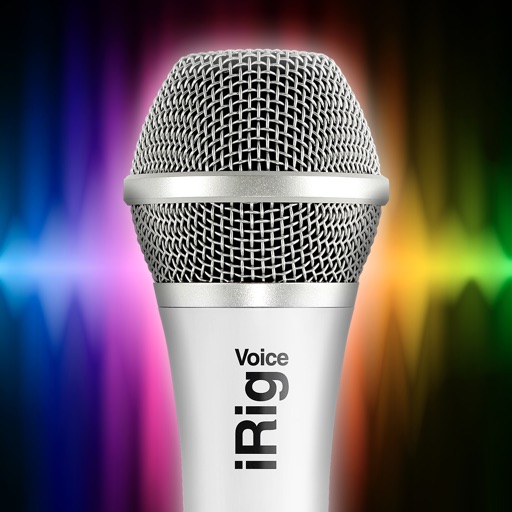
Use music library to practice and record vocals. Remove original vocals, tune , and apply vocal effects. Share recorded performances. Sync with iRig and iRig MIC devices. Adjust audio settings for better sound quality.
Edit files and record from the microphone. Import various formats like MP3, WAV, and AIFF. Extract from videos or the web. Save in multiple formats including ringtone options. Adjust sound quality and settings for improved output.