Read and listen to books with text-to-speech narration. Adjust voice settings and playback speed. Use a sleep timer. View live text as it is read. Tap any text to start or resume narration from that point.
by Benjamin Liebkemann★ 5.01 ratingsBookFreeData updated 2026-09-06
Search the catalog for books, eBooks, magazines, movies, and music. Read summaries and reviews. View librarian recommendations. Check out items, renew, and pay fines via My Account. Access digital resources.
Convert from documents or web pages into spoken words using AI-generated voices. Select from male, female, and child profiles. Adjust speed and volume. Save or share audio outputs. Sync with cloud storage for offline access.
Manage audiobooks with a customizable interface that matches covers. Navigate chapters, adjust playback speed, and bookmark progress. Sync listening history across devices. Import and organize audiobooks from various sources.
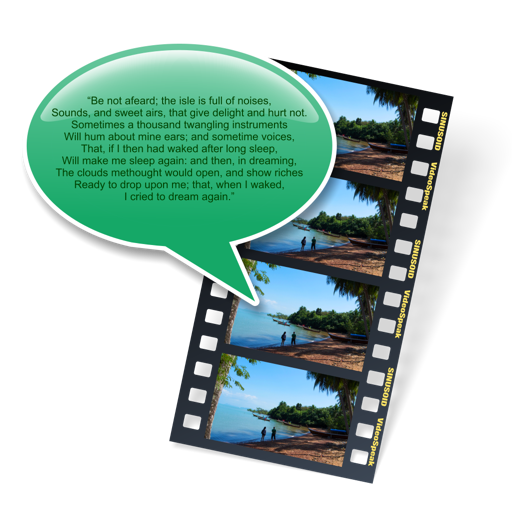
The app allows users to add synthesized speech audio tracks to videos without a microphone. Users can choose from multiple MacOS voices and export the video as a Quicktime movie file.
Read eBooks in and CHM formats. Organize files into personal collections. Add bookmarks, notes, and highlights. Sync bookmarks and current page across devices using iCloud. Customize fonts for headings and body text. Search for text within books.
Convert child drawings into personalized audio stories using AI analysis. Select language and narration style. Listen to original fables based on artwork. Encourage reading and creativity through interactive storytelling.
Access Bible texts in Korean and English. Listen to text-to-speech readings using Apple's Siri voice. View full text offline after initial setup. Adjust reading speed. Track progress for complete reading.