Create professional-looking designs with . Edit videos, add text and graphics, and customize templates. Access inspiration and source materials. Share content for Instagram, TikTok, Facebook, Snapchat, and other platforms.
Create collages using up to 15 photos with customizable layouts. Adjust size, position, and rotation. Crop with various proportions. Convert photos to square formats with blur, color, or tile backgrounds. Apply filters, rotate, flip, or clip photos.
Create photo collages by combining 2 to 9 images into one. Adjust size, position, and layout. Choose from various templates and styles. Add stickers, frames, effects, and patterns. Share finished collages directly.
The app offers professional editing tools, beauty enhancements, and special effects. Users can apply stickers, create classic collages, and design fashionable posters with InstaMag.
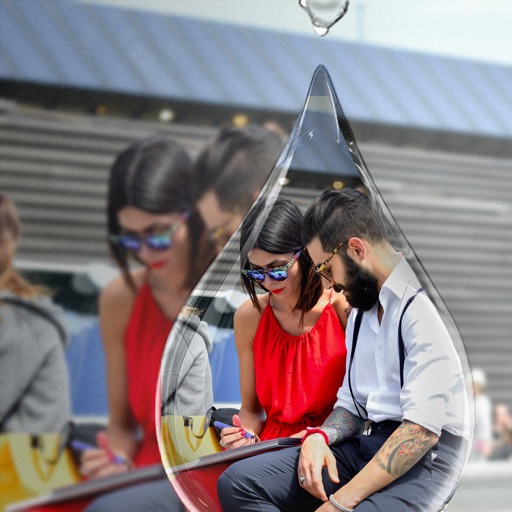
Edit photos with PIP frames, collages, and creative layouts. Add crystal bottle patterns and cartoon styles. Share edited photos directly to social media. Adjust brightness, contrast, and colors. Crop and rotate images.
Create collages from single photos with one tap. Add doodles, captions, and textures to customize the design. Share or save collages for social media, journaling, or mood boards. Adjust styles to match personal preferences.
Create designs for Instagram stories or feed using scans, stickers, realistic brushes, and modern fonts. Add text, apply filters, and use textured backgrounds. Export and share directly from the .
Create collages and cards for occasions like birthdays and holidays. Choose from customizable layouts, backgrounds, and stickers. Apply filters. Add photos to designs and export for sharing. Purchase additional layouts and content packs.
Edit photos and videos with 60+ master filters for vintage, vivid, or professional looks. Create collages using 100+ freestyle layouts. Adjust brightness, contrast, and saturation for precise edits. Export in HD format and share directly.
Create collages by combining multiple photos into layouts. Choose from 50+ grid styles and tree or 3D modes. Edit photos with cropping, filters, and text addition. Share finished collages directly.
Create and Instagram carousels with customizable templates and drag-and-drop editing. Add text, stickers, and filters. Export and share directly to social media. Adjust layout for seamless swipe-through viewing.
Capture photos with real-time grid lines and flash settings. Use one-touch beautification for selfies. Access weekly updated filters and collages. Add stickers and create collages. Share edited photos directly.
Photos with clipping tools to remove backgrounds, apply predefined effects like glitch and duotone, and enhance images with magazine-level touch-ups. Add text, stickers, and unlimited undo/redo features.
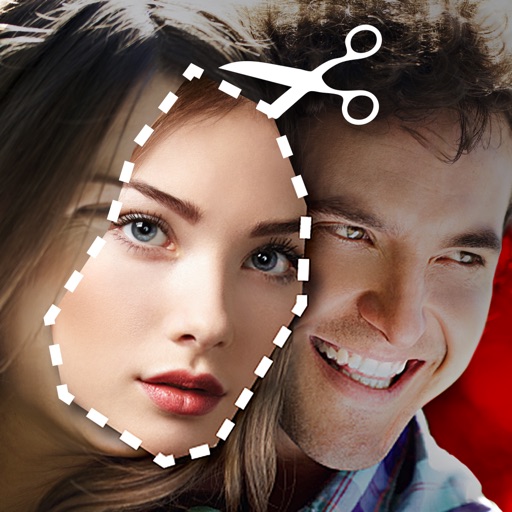
Cut photos with AI to remove backgrounds and isolate subjects. them onto new backgrounds or other images. Swap faces between photos and add missing people to family shots. Create collages by combining multiple images.
The app transforms selected photos into creative collages. Users can arrange photos on a canvas, adjust layouts, and customize individual pictures by moving or zooming.