Create and edit digital art with customizable brushes and color palettes. , , and apply filters. Import and modify photos. Save and share artwork. Sync with Apple Health for progress tracking.
Create and project drawings in real time using augmented reality. Trace and sketch on surfaces with your device. Adjust colors and brush sizes. Save and share drawings. Sync with other devices for collaborative projects.
Create and customize 3D using flexible pose libraries. Apply shading presets like toon shader. Adjust shapes, animations, expressions, camera, and lighting controls. Import and export 3D models. Edit and refine appearances with advanced tools.
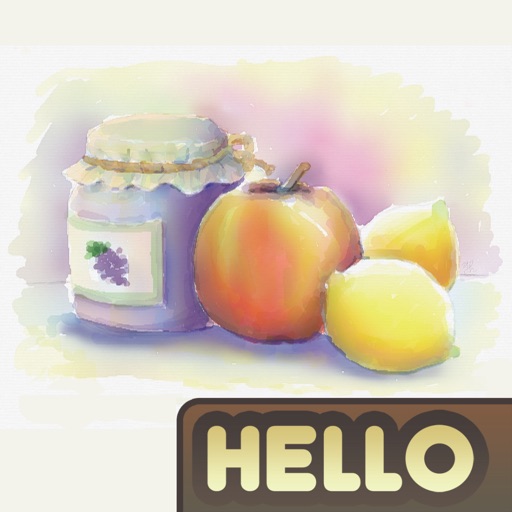
The app simulates watercolor blending and spreading behaviors using fluid simulation technology. It supports techniques like wet-in-wet, wet-in-dry, dry brush, and dry on wet, along with pencil sketching.
Color pictures with realistic brush strokes and save creations. Access a variety of pre-drawn images to color. Draw freely on blank pages with zoom functionality. Watch video replays of drawing sessions.
Create drawings with a variety of colors and brushes. Select from pre-designed templates and characters. Add animations and sound effects. Save and share artwork directly.
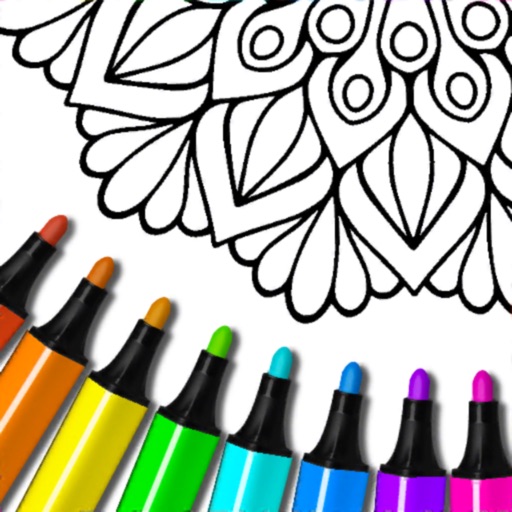
Color within mandala patterns using customizable brushes and colors. Save and share completed artwork. Access a variety of unique designs for relaxation and stress relief. Draw freely alongside coloring features.
Create notes, annotate PDFs, and sketch digitally. Convert whiteboard images to vector ink with Inkport gen 2. Resize, recolor, and edit drawings. Build layered sketches without using layer functions. Share notes across devices.
Create detailed artwork with realistic brushes and watercolor effects. Scale canvas up to 64 times with precise grid and pixel-level accuracy. Use over 80 brushes, erasers, smearing tools, rulers, cutters, fill tools, and color pickers.
Create original artwork, avatars, and posters using text prompts and multiple styles. Generate AI videos from photos with instant editing tools. Design emojis and portraits with customizable options.
Draw and color images of and vegetables with a variety of colors. Choose from 50 different doodles. Save and load pages. Includes educational content for toddlers.
Convert black and white images to using selective recoloring. Select photos from the gallery or capture new ones. Pan and zoom for precise editing. Resize and fit images to the screen. Use redo and undo features for error correction.