Create immersive soundscapes by adjusting Size and Overdrive for rich reverb and distortion. Morph between soft-clipping and hard-ripping overdrive. Use Wobble for eerie effects and Ribbon for precise control.
Access and play sounds and videos from 2016 to 2025. Search for specific content. Share sounds and videos with others. Includes links to original memes. Organize custom sections. Adjust playback speed, pitch, distortion, and reverb in real-time.
Create ambient soundscapes with diffusion controls for subtle smearing, widening, and deep reverberation. Adjust randomized modulation for evolving textures.
Record up to 16 tracks with effects like pan, reverse, reverb, tremolo, and tempo delay. Use as a standalone or plugin. Manage master and input effects. Loop and layer audio for creative playback.
Turn your iPhone into a wireless karaoke for high-quality vocal performance. Connect via or AirPlay to speakers. Apply 13 voice effects including Helium, Robot, and Echo. Use advanced noise gate to reduce background sounds.
Plugin for iOS devices. Adjusts parameters with three knobs. Works as an Audio Unit (AUv3) plugin in hosts like GarageBand and Cubasis 3. Includes open-source code for integration into other apps. No ads or in- purchases.
Edit videos by applying custom such as echo, male/female, reverb, and robotic. Add virtual sound like rain or thunder. Record new audio or select from the camera roll. Share edited videos to social media apps.
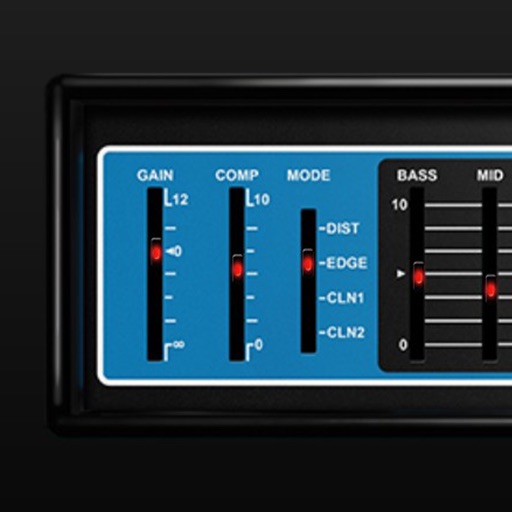
Adjust audio signals with tri-state voicing options for distortion tube, clean tube, or solid state. Apply digital delay with lo-fi filter and time offset controls. Customize power amplifier settings including presence, resonance, and power switch.
Change in real time using a microphone input and speaker output. Select from 11 voices including male, female, and character options. Adjust tone color with a 12-band equalizer for more natural sound. Use for phone calls, chats, and social apps.