Using custom transitions. Select or from the library. Apply dissolve or fade transitions between clips. Adjust volume and trim video clips. Set photo durations and choose orientation. Save to Camera Roll or share to social media directly.
Edit videos and photos with background addition for portrait or landscape formats. Apply blur effects without cropping. Share edited content via a new sharing screen. Access media across devices from a centralized library.
Edit videos by adding from a catalog or personal library, adjusting volume, and trimming tracks. Include voice recordings with trimming and volume control. Add custom text with size, duration, and positioning options.
Edit photos and videos with a variety of and effects. Apply trendy styles to enhance visuals. Create original content with editing tools. Export and share edited media directly. Sync with social platforms for seamless posting.
Edit photos by overlaying multiple images. Adjust blending modes and exposure settings. Access a collection of pre-designed overlays and effects. Save and share the final mixed image.
Mirror device screens to TV for high-quality streaming. Cast videos from websites directly. View photos and videos on a larger . Stream content without cables or extra hardware. Sync with iPhone or iPad for real-time display.
Mirrors iOS device screens to TVs wirelessly. Users can stream videos, photos, and apps to large screens. Supports casting without cables or additional hardware. Allows playback of media content directly on TV.
Stream web videos to TVs via Chromecast, Google Cast, or Apple TV. Automatically extract and play native content without ads. Supports multiple TV brands and models.
Create paintings by drawing closed areas and filling them with color. Use finger strokes to build realistic landscapes. Share artwork or print to canvas. No prior artistic skill required.
Create double exposure effects by blending two images. Adjust opacity and alignment for custom overlays. Save and share edited photos directly. Access advanced editing tools with a premium subscription.
Create for Instagram stories using pre-designed templates. Select from 500+ icons across categories like lifestyle, fashion, and art deco. Save generated to the photo gallery for direct use.
Search videos from embedded web browsers and stream them to TV or devices. Bookmark, save recent plays, and create playlists. Access most visited videos and watch without ads.
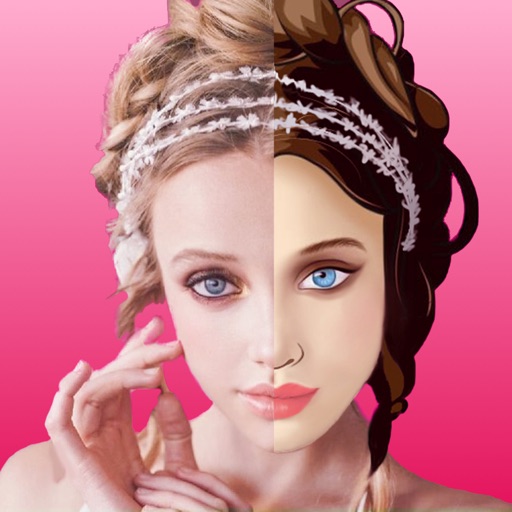
Create face morph videos by blending images of faces. Adjust transitions for smooth effects. Add text and stickers to videos. Export and share final videos directly.
Create AI photorealistic avatars from uploaded photos in styles like Professional Headshots, Video Game, Cyberpunk, and Anime. Choose from 5+ styles. vatars in about 20 minutes. Export and share the resulting artwork.
Create videos using photos from the camera roll. Set project titles and import images. Arrange photo order, select templates, add music, apply filters and effects. Choose format and export the final project.