Edit photos with AI style transfer for different art effects. Apply 12+ professional filters. Save high-resolution edits to the gallery with one tap. Use a clean, ad-free interface for simple image styling.
by 玉猛 周★ 4.832 ratingsLifestyleFreeData updated 2026-09-06
Create realistic professional images for CVs or LinkedIn profiles using 10 casual . Choose from diverse styles to customize appearance. Generate high-quality images suitable for professional use.
Shop new styles daily with filters for in-stock items, promotions, and exclusives. Search by image using Style Match+ to find similar products. Browse vendor collections and make purchases directly.
Charge your phone while viewing customizable animations like cyberpunk, luminous, futuristic, romantic, and funk. Set 4K live wallpapers and use iOS 14 shortcut commands to trigger animations. Share or save animations directly.
Capture photos in RAW format without ND filters. Select capture mode, adjust , and set duration. Merge images into a 12-bit DNG file for editing. Apply motion blur to create artistic effects.
Edit photos with customizable HDR settings including effects, brightness, contrast, temperature, and hue/saturation. Capture high-resolution HDR photos in one click. View and manage HDR images in a dedicated gallery.
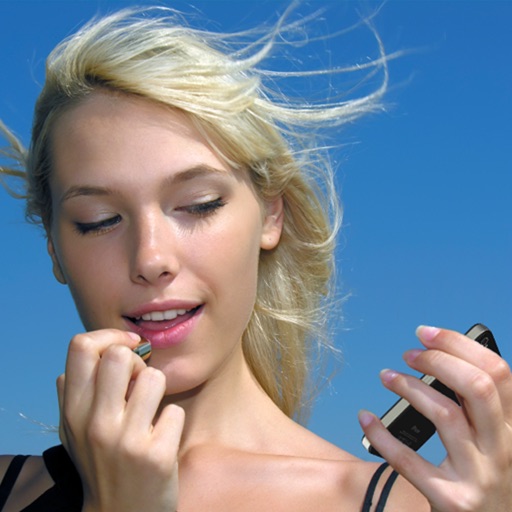
Use the front camera as a pocket mirror with digital zoom. Adjust brightness with Night Mode. Apply makeup and style hair using the camera. Take close-up views of small details.
Browse wigs by feature and style. Save favorite styles for quick access. Receive push notifications for sales and restocks. Access exclusive -only discounts. View tutorials and styling tips for wig care and application.
Turn photos into -style artwork with AI-generated styles like Ghibli, figures, and cartoons. Select a style, upload a photo, and generate art instantly. Edit and share the resulting artwork directly.
Browse curated furniture and home decor from trusted brands. Search for products using photos. Save and organize favorites. Share items with others. View inspirational images and event content.
Edit photos with AI-powered enhancements, facial refinement, and background removal. Apply creative styles like emoji or Ghibli art. Remove objects and adjust colors automatically. Export edited images in various formats and share directly.
Apply Lightroom presets to enhance photos with filters, adjustments, and effects. Choose from urban, vintage, winter, travel, and portrait presets. Export edited images directly from Lightroom.
Apply premium filters for vintage, film, and fashion styles. Adjust brightness, contrast, and saturation. Add text overlays and export in high resolution. Share photos directly to social media.
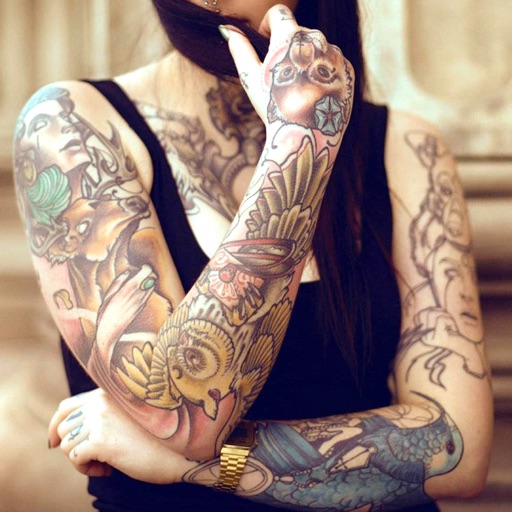
Edit photos with cropping, filters, and adjustment tools. Add tattoos and custom designs to images. Share edited photos directly or save them to your device.
Edit photos using 300+ premium and 60+ preset packs. Apply styles like Light and Airy or Blue Lagoon. Save and share processed images directly. Update regularly for new styles.
Edit videos by merging and combining clips, creating slideshows, and adding music. Apply filters and effects like Glitch, Retro, and VHS. Adjust tone with contrast and brightness controls.
View and apply high-resolution HD and 4K to lock and home screens. Explore exclusive matching new device screen shapes. Access unlimited high-quality wallpaper variations anytime.