Use a with custom pen colors and pinch-to-zoom for expanded workspace. Three-finger swipe to undo or redo actions. Auto-save work when closing the . Features include a simple interface for quick use and pro tools for enhanced productivity.
FITNESS TRAINING GLOBAL ONE MEMBER COMPANY LIMITED
Sketch with AR and AI
AR – Project sketches onto real-world surfaces using augmented reality. objects for precise outlines. AI-powered tools suggest color palettes and brush strokes. Edit layers, adjust opacity, and apply effects.
Take notes with hand-drawn sketches, text, and diagrams. Use Apple Pencil for writing and drawing. Navigate pages with gestures and undo actions. Export notes to PDF. No ads or data collection.
Create art with hand-drawn illustrations by Olivia De Bona. Choose from 50+ exclusive designs. Use tools to , sketch, and customize images. Save and share completed artwork. Adjust brush size and opacity for detailed work.
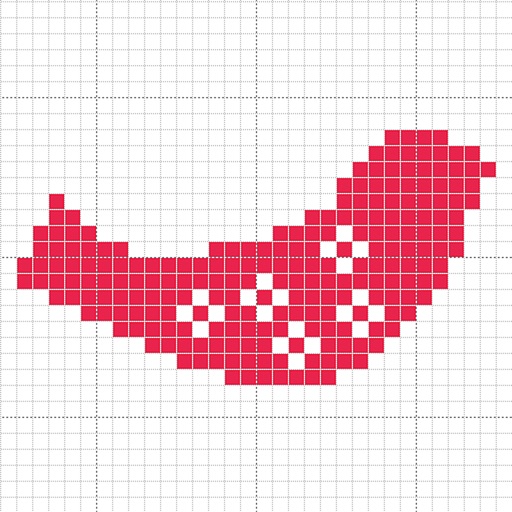
Create custom charts for crafts like cross stitch, bead weaving, knitting, and pixel art. Draw dotted images and design patterns with an intuitive touch interface. Export charts for use in projects.
Create and edit digital artwork with wireless capabilities. Connect via Wi-Fi or USB. Use as a secondary display. Access gesture shortcuts for quick actions. Customize workspace layout and settings.
Create digital artwork with natural stroke support on a large . Import and embed multiple file types including video and audio. Access PSD and PDF files directly for editing. Share drawings with other apps.
Use the to project real-time grids and guidelines for precise . Adjust grid size, opacity, and angle. Import sketches or paintings for reference. Save and export artwork in various formats. Sync drawings across devices.
Collaborate on drawings in real time from any device. Draw over PDFs and images or capture photos to annotate. Share drawings with others via or web. Save annotated files as new PDFs.
The app allows users to create pixel art for iron-on beads and bead stitching. It supports importing and scanning photos into a pixel art canvas with adjustable sizes and various bead shapes.
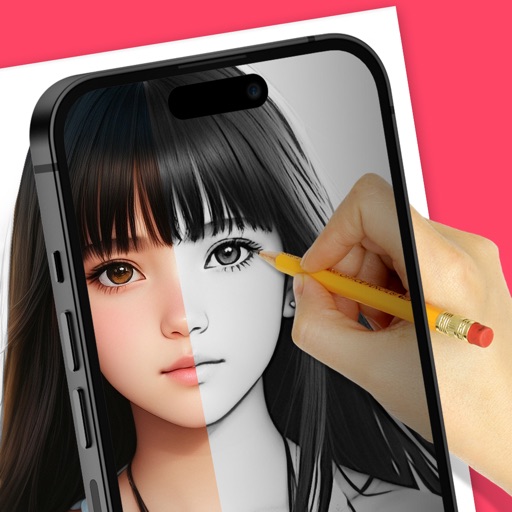
Trace images to create sketches or drawings. Adjust line thickness and brush styles. Use an eraser tool. Apply filters to images. Select from gallery or take new photos. Draw on paper with phone held 1 foot above.