Create digital art with customizable brushes and layers. Adjust brush settings for pressure and flow. Use Apple Pencil for precise strokes. Save and export artwork in various formats. Import images for tracing or blending.
Create art with customizable colors, brush sizes, and opacity. Import photos from camera or library. Save and share designs via social media, email, or SMS. Clear canvas for new creations.
The app provides a digital whiteboard experience for drawing and sketching. It offers multiple marker colors and tip sizes, with undo/redo functionality and the ability to save drawings.
Create digital art using intuitive touch gestures to generate artwork in various styles. Customize creations with opacity, size, layering, and drawing tools.
Create flowcharts, org charts, and process diagrams with drag-and-drop node addition. Use infinite canvas and 24 themes for customization. Organize nodes with containers and group them for complex layouts.
The app provides a multi-device collaboration tool for capturing and sharing creative ideas. Users can add notes, arrange them on a canvas, assign colors, and draw to organize thoughts and show relationships between concepts.
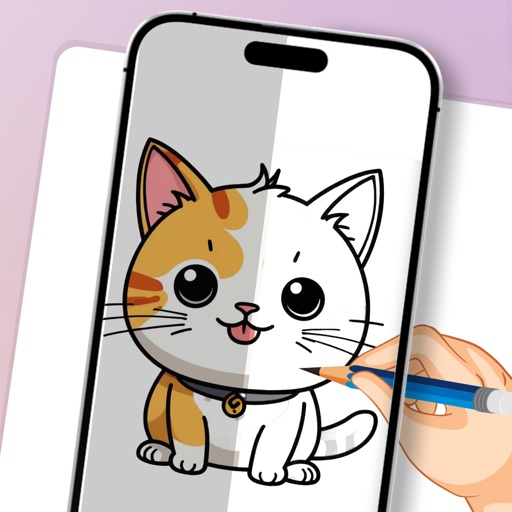
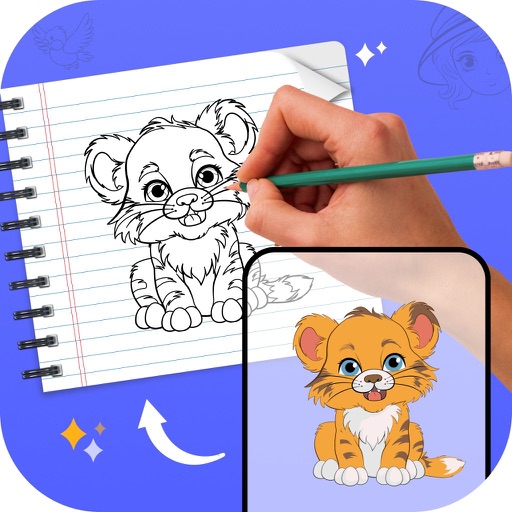
Create drawings by tracing images from the 's library or photos. Adjust line thickness and color. Add text and graphical elements. Export drawings in multiple formats. Share completed artwork directly.