Customize iPhone home screens with wallpapers and backgrounds. Choose from a variety of high-quality, unique images. Set dynamic wallpapers that change over time. Add personal touches to make the device stand out.
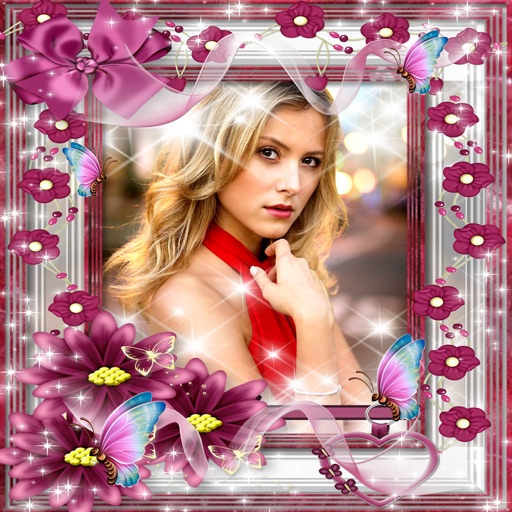
Take photos with customizable nature-themed featuring butterflies and blossoming flowers. Edit images by matching them to . Create unlimited albums and share creations with friends.
Create videos by selecting photos from the gallery and adding music. Choose from 50+ transition effects. Adjust frame speed and layout ratio options including portrait, square, and landscape. Preview and edit in real time.
Create custom mug designs by adding frames, text, and stickers to photos. Adjust colors and layouts to personalize the look. Export designs for printing or sharing directly.
Create animated cards with sound. Select from and face stickers. Record or choose pre-recorded messages. Animate mouths and heads with sound. Save or share the final video.
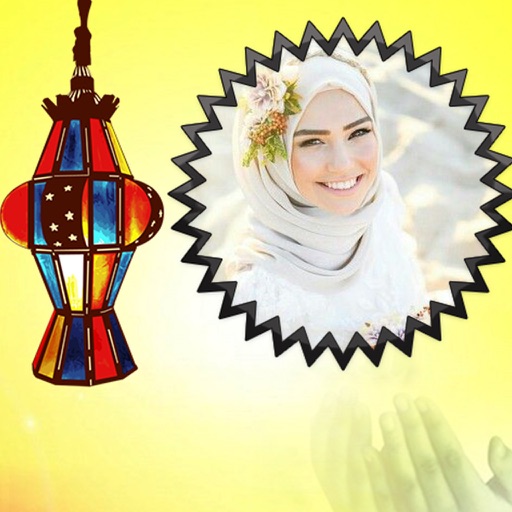
Edit photos by selecting from the gallery or capturing new ones. Apply various and effects. Adjust position, size, and angle. Save, share, or upload to social media platforms like Facebook, Twitter, and email.
The app provides access to hundreds of animated GIF images of facial expressions. Users can sort images by hotness, newness, and total votes, and preview thumbnails for faster browsing.
Set with HD quality images. Browse 13 categories including animals, architecture, and space. Save favorites and preview by tapping the screen. Access a Pinterest-like interface for browsing and organizing content.
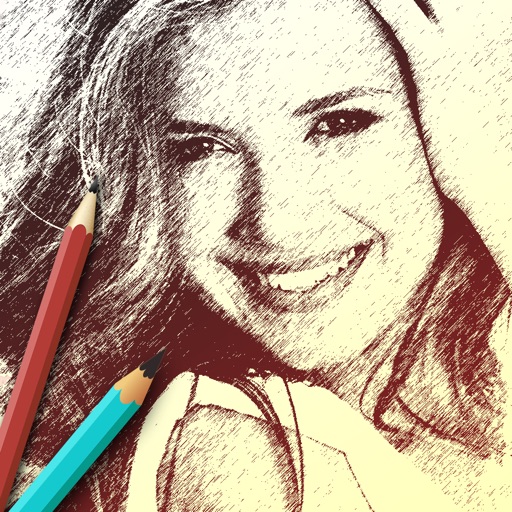
The app allows users to create sketches and share them with friends. It offers filters to transform photos into sketches and frames to decorate creations.
Create videos from text with customizable styles and presets. Animate photos with dynamic effects. Generate dancing videos that move to music. Edit and export videos in various formats. Share finished projects directly.
Overlay photos on the camera to match in real time. Apply like dreamy, vintage, or cinematic with one tap. Add text behind subjects for depth effects. Create and share edited photos directly.
Edit photos by selecting from the gallery or using the camera. Apply various frames and effects. Adjust position, size, and angle of images. Save, share, or upload photos to social networks like Facebook and Twitter.
Edit photos with filters, backgrounds, captions, and stickers. Add themed frames for holidays, birthdays, and milestones. Create collages and apply special effects. Share edited images directly.
Create collages with 10,000+ and pregnancy templates. Use milestone templates for newborns, bumps, and birthdays. Apply soft filters, brushes, pastel overlays, and cute frames.