Create art by , painting, drawing, or sketching in a kid-friendly environment. Choose from various drawings and tools. Use brushes, paint buckets, or pencils. Experiment with colors and erase mistakes. Save or share finished artwork.
Color and paint animal drawings from a collection of . Choose from various , use different tools to fill in colors, and customize your artwork. Save and share completed drawings.
And drawing allows users to select characters and color them using various tools. Features include drawing, painting, and decorating creations. Users can save and share their artwork.
Create and customize digital artwork using a variety of tools and templates. Select from multiple pages and color palettes. Save and share finished drawings. Access additional content through a subscription service.
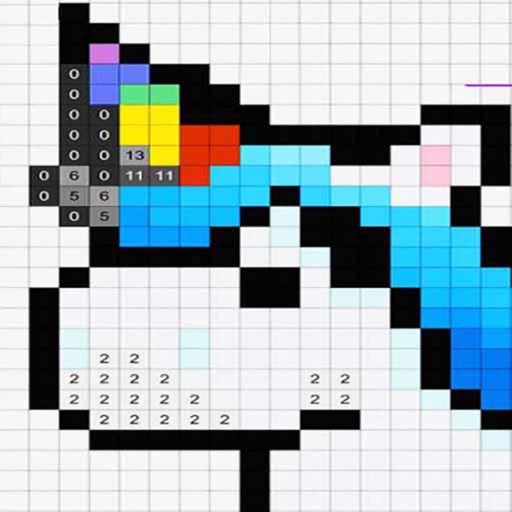
By for allows children to images by matching numbers to colors. Features include selecting colors, completing puzzles, and saving progress. Includes drawing and painting tools for creative expression.
The app offers over 350 hand-drawn pictures for coloring, supporting hand-eye coordination development. It automatically saves progress and allows saving finished pictures to the Photos library.
Create and customize colorings with diverse characters and scenes. Choose from multiple color palettes. Save and share completed artwork. Access tutorial guides for techniques. Adjust brush size and pressure sensitivity.
Draw and color images with interactive tools. Choose from various templates and colors. Save completed drawings. Receive positive feedback and encouragement. Learn shapes and colors through playful activities.
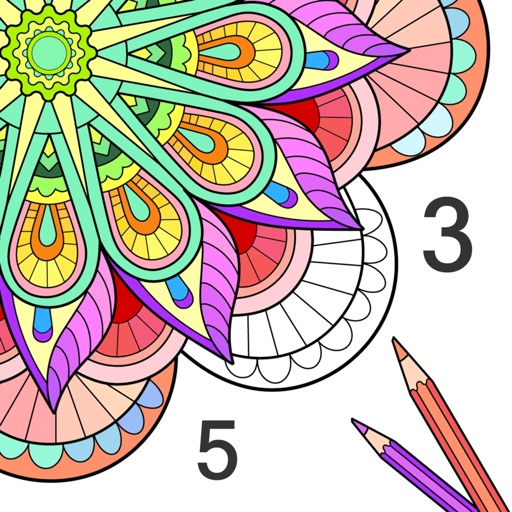
By allows users to select and images based on numbered sections. Features include choosing from floral, mandala, and animal designs, following numbered guides to fill in colors, and completing artwork.
Color and paint magical creatures using brushes, crayons, and patterns. Earn stickers to decorate artwork. Save completed drawings to the gallery. Create custom books with favorite images. No ads and kid-friendly design.
Digital coloring book for kids ages 4+. Use fingers to paint and recolor repeatedly. Erase mistakes easily. No need for physical art supplies. Features include customizable colors and simple drawing tools. Save and share completed artwork.