Edit photos with background removal, object elimination, and AI-style transfer. Add text, stickers, and custom fonts. Generate AI art, create flyers, and apply effects. Export in various formats and share directly.
Edit with one-click cutout and batch processing. Remove unwanted elements and replace backgrounds. Create collages and ID . Use templates and stickers for design. Perform multi-layer synthesis and green screen effects.
Edit videos using AI Auto Edit tools. Convert images to with AI Image-to- features. Apply AI Art filters for Vivid Anime and Fairy Classic styles. Use templates like Sunflare and AI Kissing for creative effects.
Edit photos using contrast, saturation, and brightness tools. Apply free and custom filters. Share edited images to social media or save in high resolution. Collaborate with other photographers in a community workspace.
Create professional-looking designs with . Edit videos, add text and graphics, and customize templates. Access inspiration and source materials. Share content for Instagram, TikTok, Facebook, Snapchat, and other platforms.
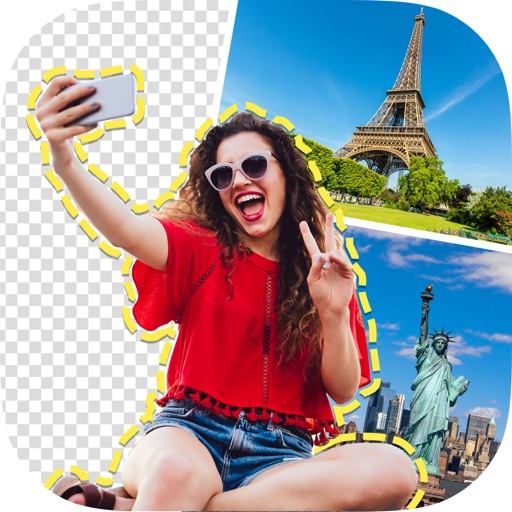
Create photomontages by combining elements from multiple images. Select and move objects between photos. Add text and effects. Export and share final compositions.
Edit photos by removing objects and changing backgrounds. elements to create montages. Adjust transparency and replace backgrounds. Save and share edited images directly.
Create animations using LEGO, clay, drawings, or everyday objects. Record frame-by-frame videos, adjust timing, and add sound effects. Export films in various formats and share directly.
Chengdu Everimaging Science and Technology Co., Ltd
Edit photos with AI voice commands
Edit photos using AI-powered tools that apply multiple adjustments based on voice or text commands. Crop, rotate, and enhance images with one-tap edits. Add text, stickers, and filters. Export in various formats and share directly.
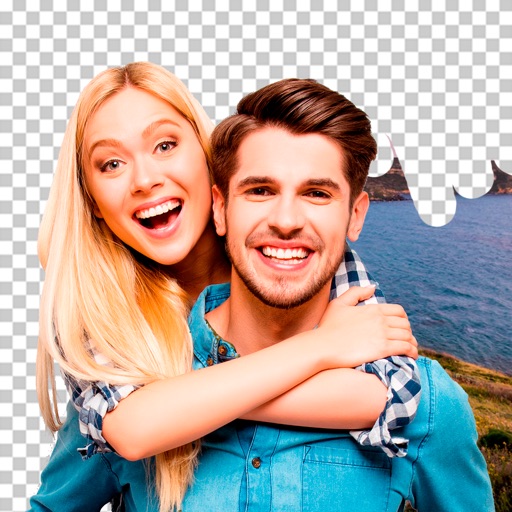
Remove backgrounds from images by drawing a closed curve. Automatically erase similar color areas for transparent results. Adjust brush size for precise edits. Pan, zoom, and rotate images.
Remove photo backgrounds with one tap using automatic analysis or manual tracing. Overlay multiple images with transparency options. Adjust and export edited photos directly.
Create high-quality videos with editing tools and an AI . Add music, apply filters, and use transitions or animations. Edit from scratch using templates or customize existing videos. Share finished projects directly.
Create videos by adding music, photos, and text. Generate collages and slideshows. Export in various formats and share directly. Edit with automatic transitions and effects. Sync with social media platforms.