Create images from text descriptions with AI-generated portraits, characters, and scenes. Edit photos by describing desired changes like removing objects or swapping backgrounds. Transform images into various visual styles using AI prompts.
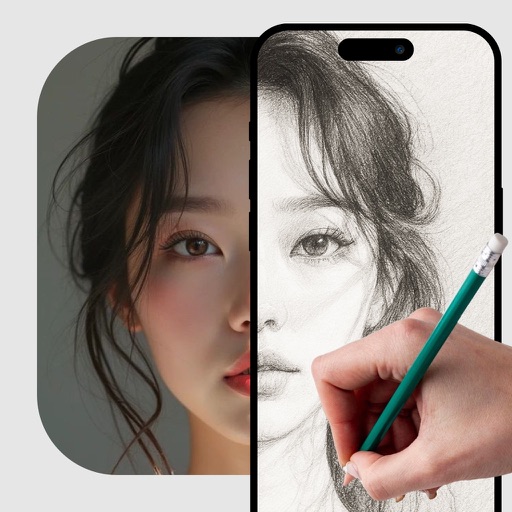
Create drawings using AI to enhance sketches into detailed art. Animate drawings with a single click. Generate AI-painted artwork. Participate in drawing and animation competitions. Export creations in various formats.
Edit photos by swapping faces using AI technology. Adjust facial features and apply filters. Copy faces from one image to another. Create realistic or humorous -over effects. Share edited images directly.
Create and share sketches with realistic brush strokes and modeling effects. Study forms, shapes, and architecture. Save drawings to photo library or social media platforms like Twitter, Facebook, and Sina Weibo.
Use camera to project image outlines onto paper for tracing. Choose images from gallery or collection. Follow lines to practice sketching. Suitable for beginners, artists, and students. Improve hand-eye coordination.
Create drawings using realistic pencils and marker pens. Listen to drawing sounds. Navigate an intuitive interface. Access eight free sketches for coloring. Explore related apps in the drawing series.
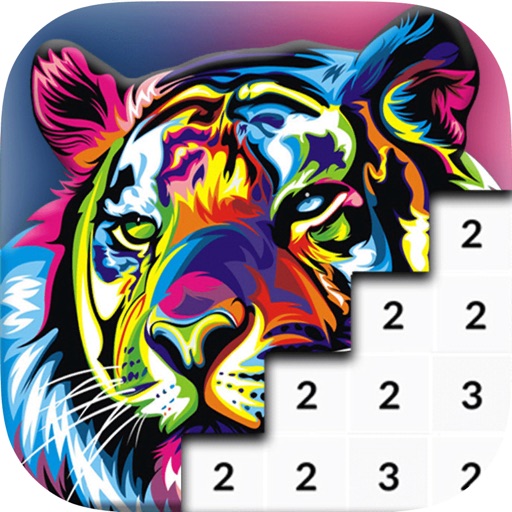
Color pictures with realistic brush strokes and save creations. Access a variety of pre-drawn images to color. Draw freely on blank pages with zoom functionality. Watch video replays of drawing sessions.
Allows users to select from various categories like animals, vehicles, and foods. Users can choose colors for their drawings and erase parts of the image. Images can be sorted by category for easy access.
Create art with activities and drawing lessons to improve fine motor skills. Explore themed pictures with interactive sounds and characters. Unlock pro features via optional subscriptions. View terms at http://techconsolidated.org/terms.html.