Use your device as a live microphone to amplify your voice. Connect via Bluetooth, AirPlay, or cable to any . Tap the screen to activate or deactivate the audio output. Works in the background and when the screen is locked. No setup required.
Create and customize analog-style sounds with up to 8 voices. Adjust oscillators, sub-oscillator, and noise source. Use AUv3 for integration with DAWs. Design patches with classic synth parameters.
Learn to play the with interactive charts and real-time sound demonstrations. Choose from piccolo, , alto , or bass . View finger positions, listen to notes, and access lesson tutorials for structured practice.
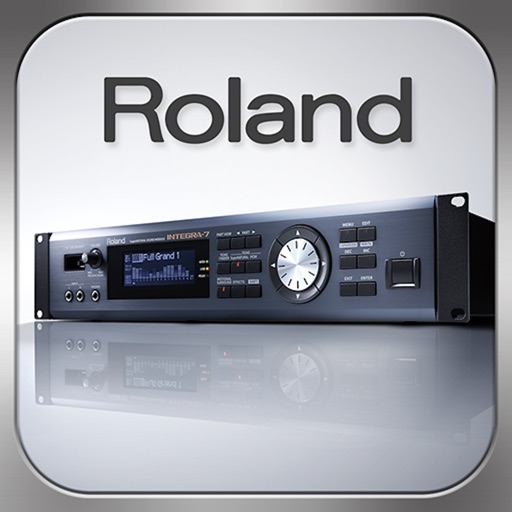
Control synthesizer parameters like SuperNATURAL Synth Tones and Part Mixer remotely. Select and load Studio Sets. Adjust tone assignments for each part. View and modify settings on an iPad screen. Requires Roland -7 and Wireless Connect.
View 3D charts for , showing finger positions. Hear each musical note. Watch 3D model demonstrations. Access lessons. Choose between C, Bb, and A types.
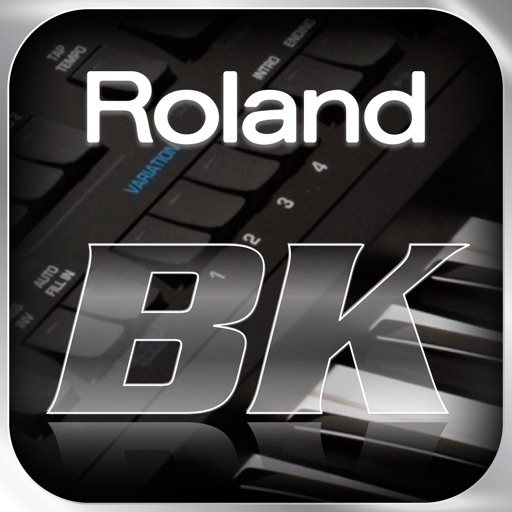
The app allows users to browse, select, and control Tones and Rhythms for Roland BK-series instruments. Users can play their instrument while using an iPad as a duplicate of its front control panel for quick access to functions.
Play with five instruments and sheet music. Follow along with real-time sheet music that advances as you play correct notes. Record compositions and access lessons. Sync with external keyboard for interactive practice.
Read and manage from PDF, image, text, and MIDI files. Import scores via camera, photos, or files. Organize by title, artist, and setlist. View scores in horizontal, vertical, or two-page modes. Annotate with pen, text, shapes, and stamps.
Convert into interactive lessons with accurate scanning and transposition tools. Adjust key settings for different instruments. Play along with built-in audio. Save and organize lessons. Export notes and practice tracks.
Allows users to tune instruments using the device's microphone. It supports custom temperaments and transposition. Features include solfège notation, adjustable calibration, and a spectrum power indicator for sound visualization.
Learn chords, fingering, and strumming through personalized . Practice favorite songs to improve skills. Track progress and receive feedback during exercises. Access step-by-step tutorials for beginners and intermediate players.
Learn notes through structured courses and visual fingering guides. Play from beginner to advanced levels. Track progress and customise settings like solfege or standard notation. Use authentic sounds and sheet music for practice.
Play a with 11 high-quality notes. Use multitouch and slide between bars to create melodies. Record and playback performances. Share created music directly.
To play , cornet, and flugelhorn in Bb and C. Use live feedback on rhythm and pitch while playing. Tune your instrument with a built-in tuner. Access songs, exercises, and guided lessons for all skill levels.
Learn to play drums with interactive lessons and game-like exercises. Practice rhythms, master beats, and play favorite songs. Track progress and receive feedback on timing and technique. Sync with devices to record and share performances.
Create by selecting and blending songs. Adjust tempo, pitch, and transitions. Export and share finished tracks. Edit audio segments and preview changes in real time.
Record up to 16 tracks with effects like pan, reverse, reverb, tremolo, and tempo delay. Use as a standalone or plugin. Manage master and input effects. Loop and layer audio for creative playback.
Set ringtones for phone calls, texts, emails, alarms, and reminders. Choose from a variety of sound effects, classic ringtones, and holiday-themed options. Customize ringtones by adjusting pitch and volume.