Apps Like Fullscreen Video - Ultrawide for iPhone and iPad
Zoom videos full screen without letterboxing
Zoom YouTube videos full screen without letterboxing. Adjust zoom levels to fit monitors. Support for both landscape and portrait orientations. Option to ignore orientation mismatches. Half zoom mode to reduce cropping. Hide channel icon in view.
by Thirteen32 Pty Ltd★ 0.00 ratingsPhoto & Video$0.99Data updated 2026-09-06
Turn a single photo into a short film with dynamic AI animation. Apply cinematic filters and effects. Export videos in high quality for social platforms. Adjust timing and transitions. Add background music and text overlays.
Create and product videos using AI-generated content and music. Customize videos with templates and branding. Schedule and auto-post to TikTok, YouTube, Instagram, and Facebook. Monetize videos through integrated features.
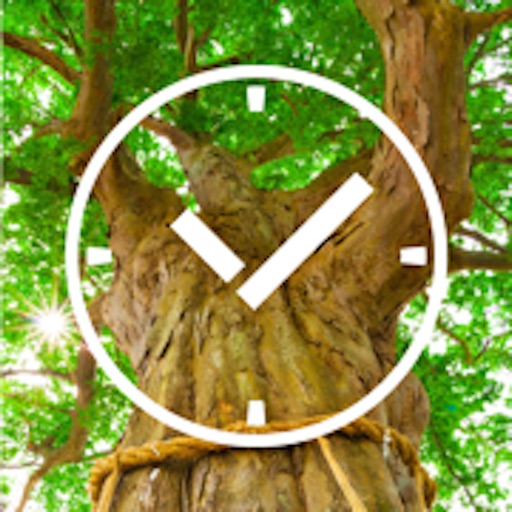
The app presents a photo album of Japanese nature, featuring 40 images categorized by season. It also functions as a calendar and a 24-hour clock, supporting both portrait and landscape orientations.
Save photos with GPS location and timestamp. Set names and dates. Share photos directly. Search for places and export to Photos . Includes iMessage sticker and widget for quick access.
Personalized by selecting photos or from your gallery and applying favorite frames. Adjust images with zoom, rotation, and movement. Choose background music or mute the video. Save and share the final video through social media apps.
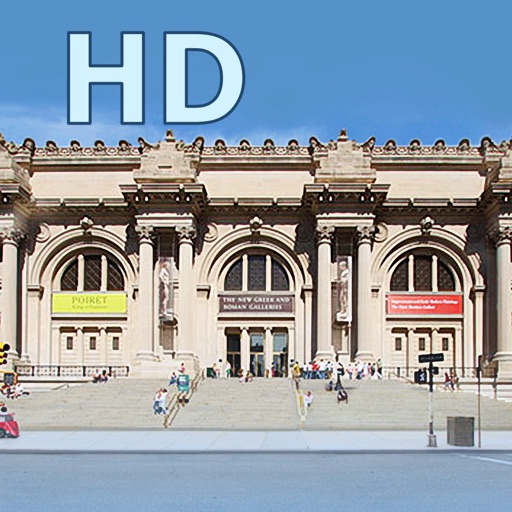
View high-resolution paintings from the collection. Explore detailed artworks like "Bullfight" by Francisco de Goya and "Toledo in a Thunderstorm" by El Greco. Zoom in on brushstrokes and details.
Record videos using and cameras simultaneously with dual output, picture-in-picture, side-by-side, split screen, or diagonal layouts. Swap cameras during recording and adjust picture-in-picture settings.
The app allows users to film videos and take snapshots using front and rear cameras. It offers digital zoom and the ability to freeze images for increased resolution.
Remote camera control allows users to take photos and videos from a distance. Adjust focus, zoom, and flash settings. Set timer for 3 or 5 seconds. Switch between front and rear cameras. View captured media instantly.
Personalized by selecting photos or from the gallery and applying favorite frames. Adjust images with zoom, rotate, and move gestures. Choose background music or mute the video. Save and share the final video through social media apps.