Apps Like Doodle Goods: Coloring Book for iPhone and iPad
Color pages, erase, and adjust brush size
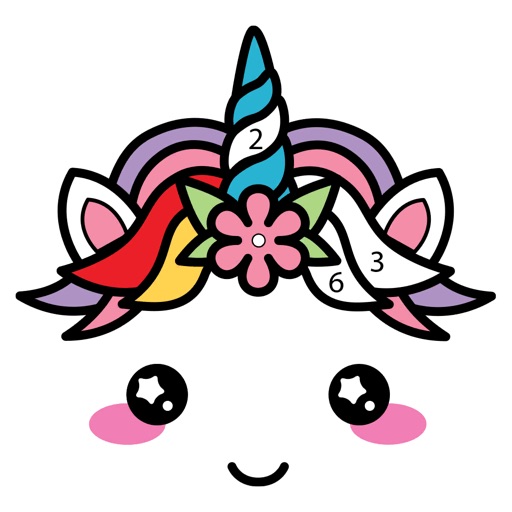
Color pages with tap, swipe, and brush adjustments. Choose from kawaii-style illustrations featuring bears, bunnies, flowers, and scenes. Use soft pastel color palettes for a gentle, dreamy experience.
by Diego Rodrigues Da Cruz★ 4.5214 ratingsBookFreeData updated 2026-09-06
Offers and themed pages for drawing. Users can select from characters, animals, robots, and princesses. Features include easy navigation, saving progress, and exporting artwork. Suitable for all ages and interests in creative drawing.
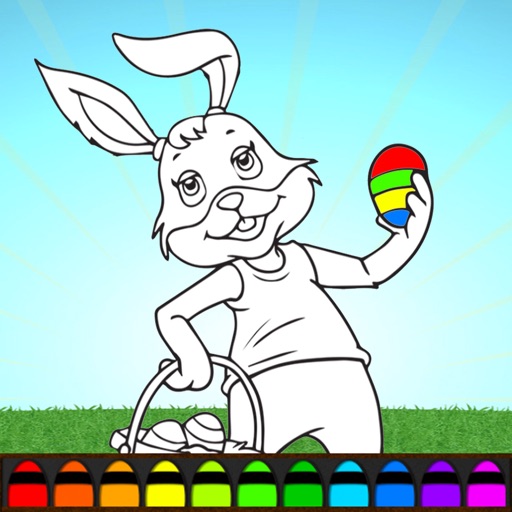
The app offers a coloring book experience with over 36 Easter-themed pages. It includes 16 egg-shaped crayons and features for changing draw sizes, undoing actions, and sharing creations.
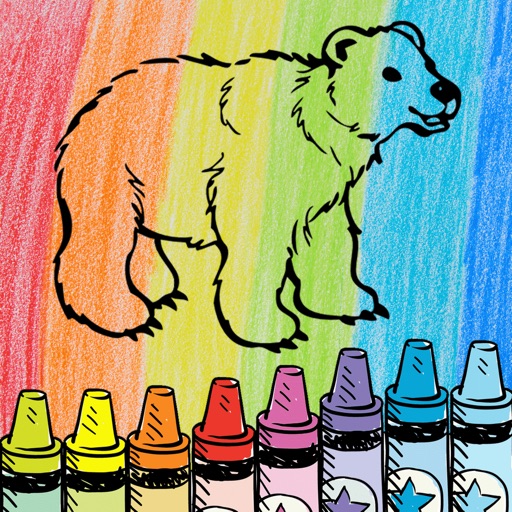
Children can draw and color using 8 different brushes including crayon, pencil, paintbrush, paintball, chalk, sponge, stickers, and stars. They can choose from over 100 pages. The includes fun effects, sounds, and stickers to enhance creativity.
Pages feature customizable illustrations. Users can select and color pre-drawn images. Includes multiple -themed pages for relaxation and creative activity. Share completed drawings directly.
Coloring and drawing with 100+ free girl-themed images. Use 9 unique brushes and 50+ pattern brushes to create artwork. Record drawings as animated clips. Save and share creations. Switch between coloring and freehand drawing modes.
Create and color images using a variety of tools and templates. Choose from different color palettes and brushes. Save and share completed artwork. Include interactive to teach colors and shapes.
Puzzle game allows users to select from various categories and levels. Import images from camera roll or color selfies. Choose color sets and difficulty levels. Share completed artwork on social media platforms.
Choose from a variety of images to color. Select and apply multiple colors and tools to customize designs. Save and share completed artwork. Adjust brush size and opacity for detailed work.
Color images using -stitch patterns from categories like animals, flowers, and landscapes. Import personal images or select from gallery patterns. Save and share completed artworks. Track progress and customize stitch details.
Turn photos into black-and-white pages with options like Manga, Mandala, and Pop Art. Upload images, select styles, and access a library of categories. Create clean outlines for digital .
Color pages with customizable tools and save progress. Play math-based mini-games for practice. Switch between and number challenges. Share completed artwork via social media.
Offers themed pages including geometry, comics, food, and floral designs. Users can select color palettes to fill illustrations. Features include stress-relieving painting, saving progress, and accessing detailed artwork for creative expression.