Apps Like MagicLight: AI Video generator for iPhone and iPad
Convert text to animated videos
Create animated videos from scripts or ideas with character consistency. Generate shorts or long-form videos up to 30 minutes using templates. Upload photos to define character profiles. Align voice and lip-sync with character movements.
by MAGICLIGHTHKLIMITED★ 4.647 ratingsUtilitiesFreeData updated 2026-09-06
Apply effects to photos or videos. Choose from options like soft focus, pixelate, motion , and prism. Adjust intensity and apply effects with touch controls. Export modified content directly.
Utomatic subtitles for videos with accurate text overlays. Edit and customize . Translate content into multiple languages. Upload videos and receive transcriptions quickly. Share captioned videos directly to social platforms.
Trim videos into segments with customizable speed settings from -8x to +8x. Preview and adjust each part precisely. Merge segments to create a final . Share on Facebook, YouTube, or save to album.
Record HD videos and movies. Apply filters and effects. Crop and rotate videos. Adjust contrast, saturation, brightness, and temperature. Fine-tune colors and create custom filters. Use presets. Export in high resolution. Share videos directly.
Edit videos by cutting, combining, captioning, overlaying, and animating. Use AI tools for auto captions, text-to-speech, music match, and noise removal. Supports 4K at 60FPS. Remove backgrounds and upscale videos with AI features.
Record in HD and broadcast live. Capture videos of games, courses, meetings in portrait or landscape. Use front camera during recording. Edit videos by cutting, cropping, adding music and subtitles. Share finished videos to video platforms.
Activity across all apps and games. Stream video with HD quality. Add face cam for reactions and voiceovers. Edit videos with advanced tools. Share content directly to YouTube, Facebook, Instagram, and TikTok.
Edit videos with color or blur borders. Add background and multiple audio files. Record audio for lip-sync. Include text, stickers, and or cut segments. Export without cropping for social media sharing.
Generate videos from text prompts or photos. Transform images into dynamic videos. Combine AI models for enhanced results. Create shorts and reels without editing skills. Export in various formats.
Create with realistic effects using a professional engine. Customize text appearance and animate it. Export as images or videos. Share directly to WeChat. Save creations to the device album.
Record and edit videos with capture, face cam, and audio. Save recordings without watermarks or ads. Share videos across devices. Access advanced editing tools with a paid subscription.
Play and manage videos in various formats including 3GP, AVI, FLV, M4V, MKV, MOV, MP4, WMV. Automatically detect and organize files. Edit videos by merging, splitting, adding filters, and converting to MP3. Create GIFs from clips.
Apply effects to videos to obscure faces, logos, or background objects. Use auto-tracking for quick blurring. Define multiple areas with ellipse or rectangle shapes. Export blurred videos for YouTube, TikTok, and other social media platforms.
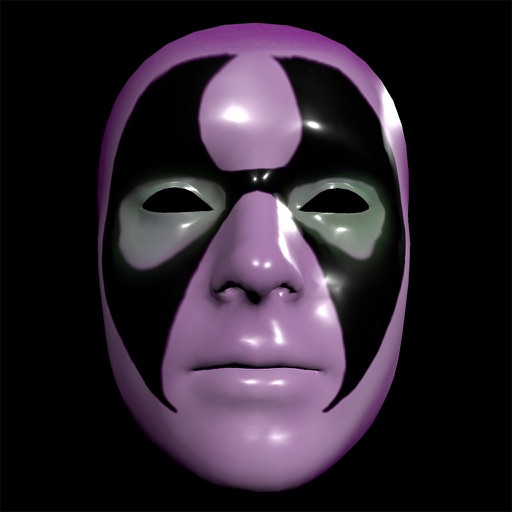
Create and apply custom masks using the iPhone X True Depth Camera for real-time mapping. Edit masks with painting tools, lighting effects, and rotation animations. Access mathematically plotted sci-fi masks.