Customize home page with adjustable shelf sizes and aspect ratios. Add video player, external player support, and addon features like meta, catalogs, and subtitles. Enable Trakt scrobbling, auto-play stream, and custom filters.
Create photo collages by combining 2 to 9 images into one. Adjust size, position, and layout. Choose from various templates and styles. Add stickers, frames, effects, and patterns. Share finished collages directly.
Create short video loops from clips. Adjust trim time, duration, and playback speed. Apply visual filters. Use AI to generate instant effects. Share directly to social media platforms.
Create slideshows and collages with photos and music. Add transitions, edit photos, and reorder images. Share finished projects on social media platforms like Instagram, Facebook, and Twitter.
Create collages by adding photos and selecting aspect ratios. Choose landscape or portrait orientation. Add text to the collage. Shuffle for new layouts. Adjust design with an intuitive interface.
The app allows users to record horizontal videos and photos regardless of how the device is held. It uses the device's gyroscope to auto-level footage, correcting the orientation to stay parallel to the ground.
Download videos from Dropbox and Google Drive to your iDevice. Upload videos to Dropbox and Google Drive from your iDevice. Play videos in full-screen with support for MP4 and MOV formats.
The app allows users to create photo books, prints, and personalized gifts from their phone. Photos can be imported from various sources and professionally printed in Melbourne for Australia-wide delivery.
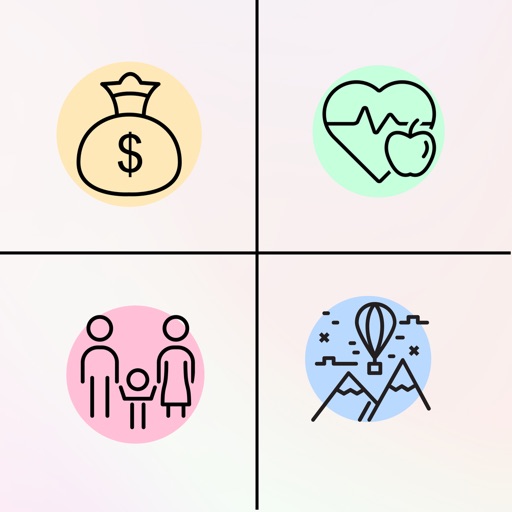
Create a digital to visualize dreams and goals. Upload or select images that inspire. Organize content into categories like health, relationships, and finances. Set intentions and track progress over time. Share boards with others for motivation.
Scan QR codes and barcodes with high accuracy. Create QR codes and customize them with colors, logos, and styles. Edit and beautify scanned codes. Manage and organize code history. Share generated codes via link or image.
Edit screenshots with redact, highlight, underline, strike, blur, blend, and pixel tools. Create and customize screenshots with notes, text overlays, GIFs, and device mockups. Adjust shadows and fillets for precise styling.