Offers manual camera controls for iPhone, including shutter speed, aperture, ISO, and focus. Users can adjust exposure, white balance, and metering. high-quality with customizable settings. Save and share images directly.
View image such as measurements, DPI, file size, location data, and device information. Import images via drag and drop from Photos, Files, or Safari. Display in a card-based layout for easy reference.
Control camera settings remotely via smartphone. Adjust focus, exposure, and shutter speed. Use Smart Mode for automatic scene recognition and optimization. Access live view and review photos directly. Sync with hardware for real-time adjustments.
Capture photos with location-specific filters tailored for Indonesia, Tokyo, Okinawa, and Saipan. Edit images using special color tones designed by a travel photographer. Save and share edited photos directly.
Recreate vintage phone photos with authentic 2006-era settings. Adjust exposure, contrast, and color like an old . Preview images with pixelation and delayed focus. Share edited photos directly.
Capture photos and videos using voice commands. Take a photo, start or stop video recording, reverse the , and enable or disable the flash. Voice recognition works offline on iOS 13 and higher. Configure custom phrases for commands.
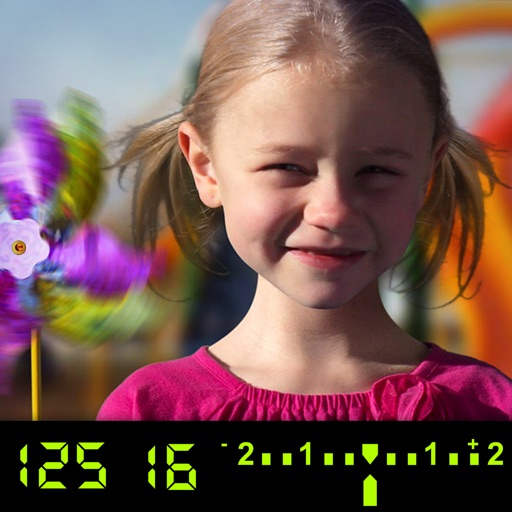
The app visually explains DSLR camera controls and allows users to experience the effects of various settings. It provides instant feedback and advice on user settings, making it a tool for learning photography.
Capture high-speed bursts with up to 30 photos per second at 12MP. Save only the shots to the roll. Export timelapse videos and slideshows. Lock focus and exposure manually. Share photos and videos directly.
Capture photos and videos with and effects. Adjust filter intensity and view heat patterns in low-light conditions. Record and save footage with simulated infrared visuals. Share captured content directly.
Select focal lengths from 24mm to 400mm with a swipe. Preview framing for each lens to see what fits within the shot. Adjust settings to visualize composition before capturing.
Capture photos with adjustable aperture and optical
Capture photos with DSLR-like quality using prime lenses and adjustable aperture for natural bokeh. Preview focal lengths before shooting. Fine-tune focus and framing in Apple Photos. Launch quickly from Camera Control or Action button.
This app helps photographers and filmmakers create timelapse images and videos. It calculates timelapse duration, capture time, and data usage, and notifies users when the timelapse is complete.
Edit photos with advanced tools like layers, masks, and adjustment brushes. Crop, rotate, and resize images. Add text, stickers, and special effects. Export in various formats and share directly.