Generate strong passwords with customizable length and character types. Create and copy passwords directly. Share passwords via Notes, Messages, or copy to clipboard. No storage or transmission of passwords.
Paste Pro allows users to manage history, access copied text via custom , and remap copy-paste functions. Users can view paste history, access notes quickly, and separate data for organized storage.
Manage cryptocurrency assets with self-custody wallet features. Import or create wallets using mnemonic phrases or Ledger devices. View full on-chain activity and transaction history. Send and receive digital assets across blockchain networks.
Allows users to save and reuse templates for common text entries. Templates include fast replies, form fields, addresses, phone numbers, and email addresses. Users can access saved texts with one tap and them instantly.
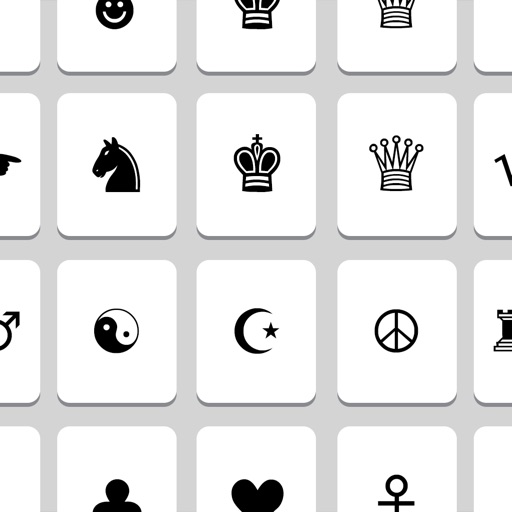
Send custom and emojis to friends. Access over 500 unique not found on standard devices. Copy to clipboard or share via text, email, and other messaging apps. Create custom combinations for messages.
Generate secure passphrases using the Diceware algorithm. Customize word length and dictionary. Export passphrases and share securely. Set password strength preferences and generate random numbers.
Allows users to type in English and receive word suggestions using transliteration. It offers word prediction for both and English. A language switch key toggles between and English. An emoji button is accessible after pressing the 123 key.
Type in English to generate words using transliteration. Access word predictions for both and English. Switch between languages with a dedicated key. Use an emoji button after pressing 123. Enable the in settings and activate it for use.
Save frequently used text, phrases, and emojis to access them instantly within the . Add custom entries and retrieve them quickly for efficient typing and messaging.