Create and share custom GIFs by combining selfies or photos with animated GIFs from a vast library. Edit and apply filters to enhance visuals. Save and share GIFs directly from the .
Convert static photos into animated videos using AI technology. Add music, text, and effects to enhance visuals. Share finished videos directly to social media platforms. Edit clips, adjust timing, and preview before exporting.
Join and merge videos from your album or camera. Preview merged results instantly. Trim and cut clips by selecting start and end times. Share the final directly.
Record video with manual focus, shutter speed, ISO, and white balance settings. Capture in customizable resolutions, frame rates, and color spaces. Sync multi-cam sessions across up to four devices.
Upload videos and use AI to identify key moments. Auto-clip and add captions for social platforms. Customize clips with templates, fonts, and colors. Publish to major platforms or save to camera roll.
Record with a pause button to stop and restart recording. Trim and cut videos using the built-in editor. Apply filters like black and white, sepia, or hipster. Save videos in 4K format.
Record videos with a 4K and add clips to projects via widgets. Edit vlogs by trimming multiple clips to the same length. Create quick recaps, intros, and previews. Browse content from specific dates. Use AI tools to generate images.
Record using both front and back cameras simultaneously. Capture picture-in-picture footage with one camera. Save videos to the photo library for easy management, sharing, and deletion. Enable night mode for improved lighting.
Create immersive videos with AI-driven special and editing tools. Add transitions, animations, and text overlays. Import footage from iPhone or professional cameras. Export in various formats for social media and other platforms.
The app provides fisheye photo and video capture with live preview. Users can add vintage film looks, colorful ring flash effects, and a GPS watermark to document captured moments.
Capture photos and videos with manual controls for ISO, shutter speed, and white balance. Shoot in RAW format for detailed editing. Apply advanced effects and instant color grading. Use professional filters to enhance visuals.
Allows users to import scripts and control text scrolling speed. Features include adjustable text settings, video recording with scrolling text overlay, and customizable effects for presentations or social media content.
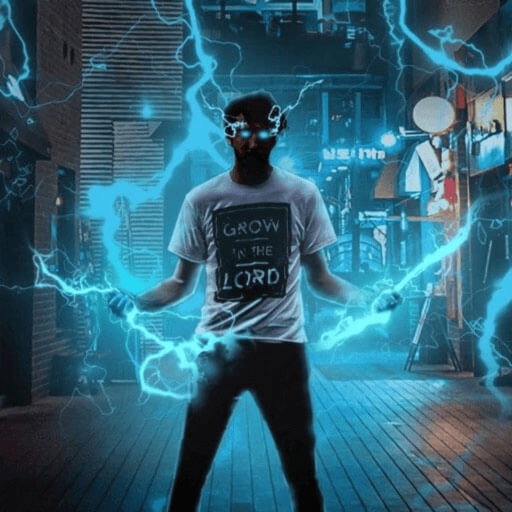
Record and edit videos with visual and templates. Add elements like dragons, magic circles, and space scenes. Include such as fire, laser, and lightning. Export and share edited videos directly.
Create greeting cards by adding photos to frames. Select images from the gallery or take new photos. Choose from various frames and adjust photos with zoom and rotation. Share cards with friends and family.
Create videos by adding and trimming multiple clips. Adjust clip volume. Add and edit recordings with fading effects and volume control. Include transitions between clips.