Play the oud instrument with realistic acoustic sound. Access scales and notes for practice. Record and share music on social media. Use a piano interface with oud sounds. Manage audio files and engage with interactive features.
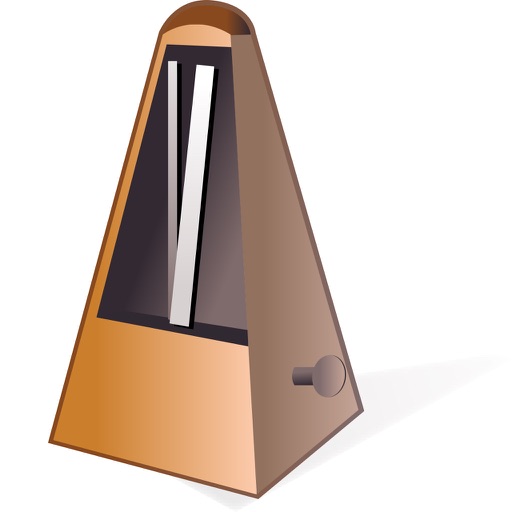
A with adjustable BPM from 10 to 1000 and tap tempo control. Features a rotary tempo knob and lamp. Includes 3D guide notes and multiple sound options like digital, classic, and kick. Offers automatic repeat timer and customizable accent beats.
The app provides metronome software for maintaining a clear beat. Musicians can set beats per minute and subdivide patterns to hear triplets or accent the first beat in a measure.
The app offers a 24-fret guitar with multitouch, real strumming, and fretting. Users can learn over 1,500 songs across various genres and artists, with new songs added weekly.
Adjust tempo and set custom subdivisions. Play precision click sounds and use a built-in rhythm trainer. Practice with beats for guitar, piano, drums, or bass. Sync with other devices for group rehearsals.
Read and manage from PDF, image, text, and MIDI files. Import scores via camera, photos, or files. Organize by title, artist, and setlist. View scores in horizontal, vertical, or two-page modes. Annotate with pen, text, shapes, and stamps.
The Odd Metronome allows users to create any rhythmic pattern in any meter. The app provides three different sounds and a moving cursor to follow the rhythm visually, making it a study companion for musicians.
The app opens, displays, prints, and plays TablEdit files. It imports various music file types and allows users to create new tablature arrangements from scratch.
Offers multiple visual modes including animated beat numbers, fullscreen flash, and traditional pendulum. Includes standalone Apple Watch support with haptic or audio feedback.
Create rhythmic patterns and sequenced grooves for practice. Adjust subdivisions with precise control. Generate random patterns or combine with sequences. Track time and improve rhythmic accuracy through customizable settings.
Create chord progressions by clicking on the circle of fifths. Practice musical sequences in 4-12 measures across all 12 keys. Choose from various grooves and repeat progressions for practice. Export or share created sequences.